About the View One Management Role Page
The View One Management Role Page in EmpowerID is a dedicated page that offers detailed information and management options for a specific Management Role. For users with administrative access to the role, this page typically displays various tabs and accordions, providing insights and control over the Management Role.
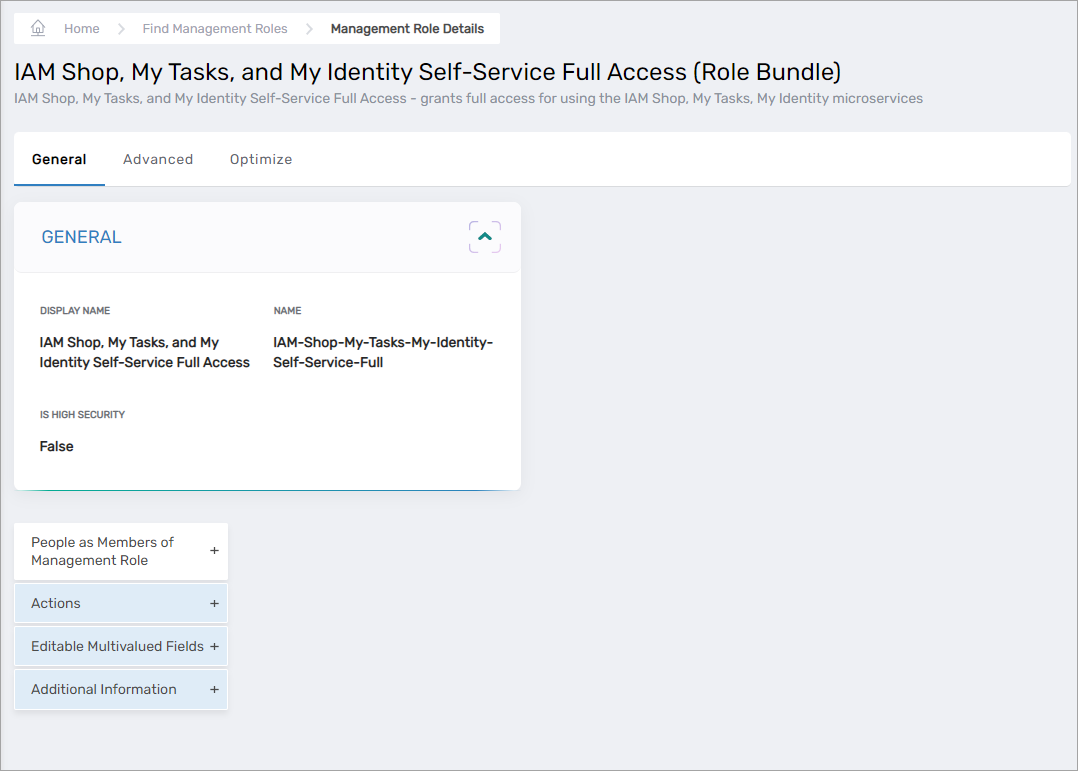
In the example image above, the View One Management Role Page presents a comprehensive overview of the selected Management Role, allowing administrators and authorized users to manage it effectively. The different tabs and accordions on this page may include general information about the role, its members, permissions, and other related settings.
Tabs and Accordions on the View One Management Role Page
The View One Management Role Page contains a number of tabs and accordions that provide information about the specific group being viewed and access to workflows for managing that group.
General Tab
The General tab allows users to view general information about a role and manage aspects of that role as needed. The tab has several accordions that provide authorized users access to information about the role as well as workflows for managing aspects of the role.
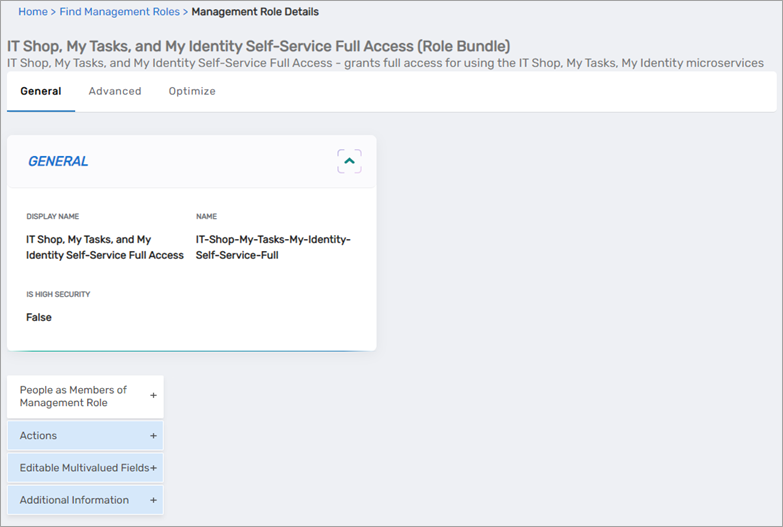
Components of the General tab include the following:
| Component | Purpose |
|---|---|
| General Card | Displays general information about the role. 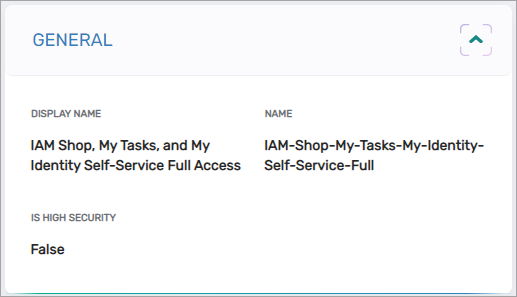 |
| People as Members of Management Role Accordion | Displays role members, as well as provides access to edit role membership as needed. 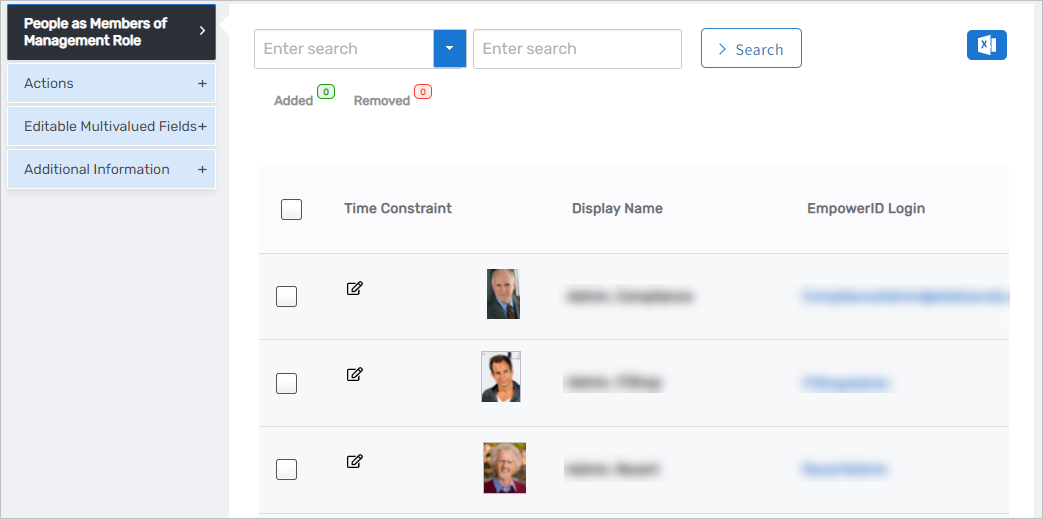 |
| Actions Accordion | Displays a list of workflow tiles that can be used to perform common actions against the Management Role, such as cloning or deleting it. 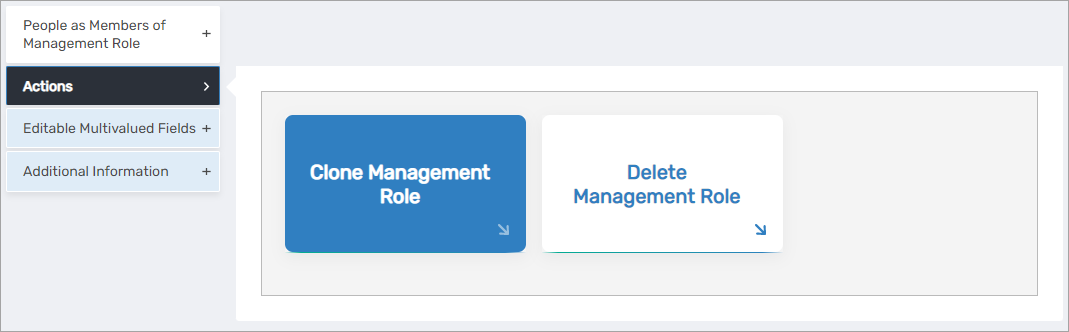 |
| Editable Multivalued Fields Accordion | Displays miscellaneous information about the role, such as the search tags linked to it. 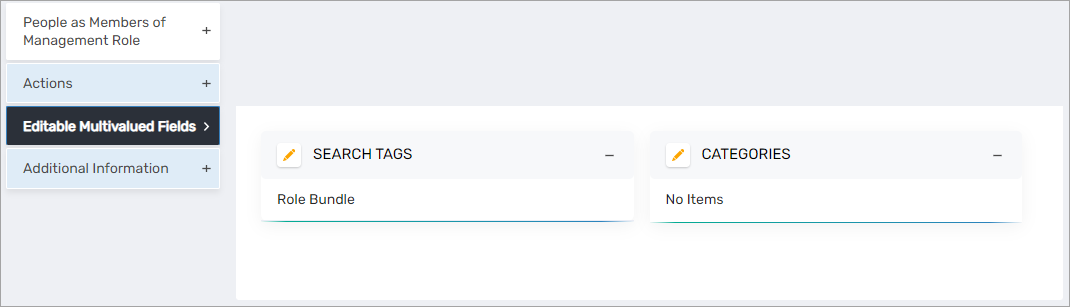 |
| Additional Information Accordion | Provides access to additional information about the role, such as "Who Has Access to this Management Role", etc. |
Advanced Tab
The Advanced tab provides access to various subtabs and cards with additional information about the Management Role than is displayed on the General tab.
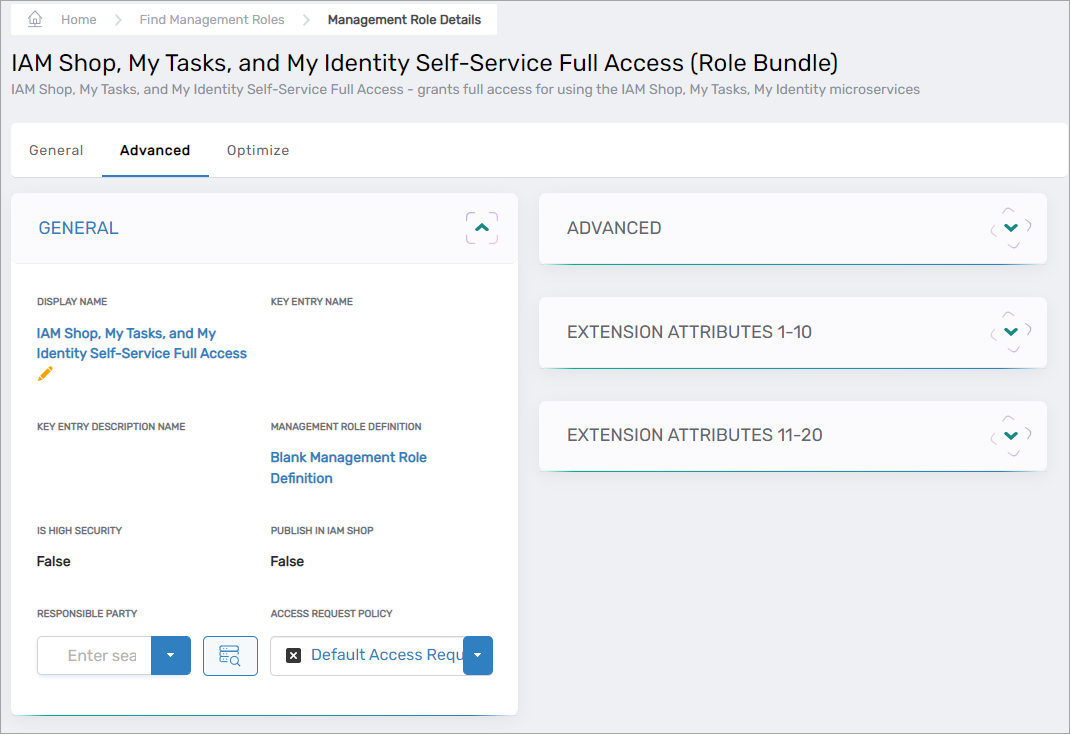
Components of the Advanced tab include the following:
| Component | Purpose |
|---|---|
| General Card | Displays general information about the Management Role, such as whether it is published in the IAM Shop, its parent Management Role Definition, and the Access Request Policy used to control access requests to the role. 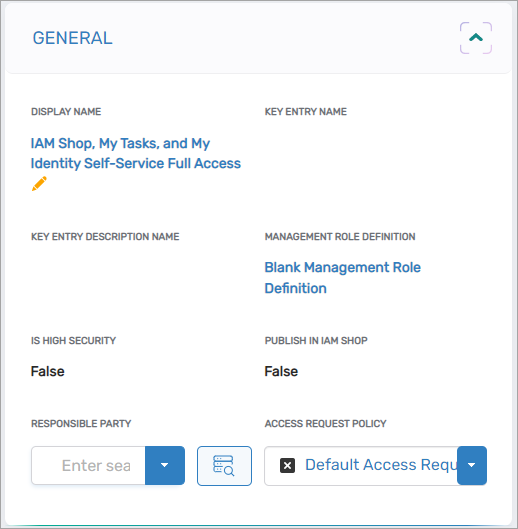 |
| Advanced Card | Displays more advanced information about the Management Role, such as the Management Role GUID and risk score for the role. 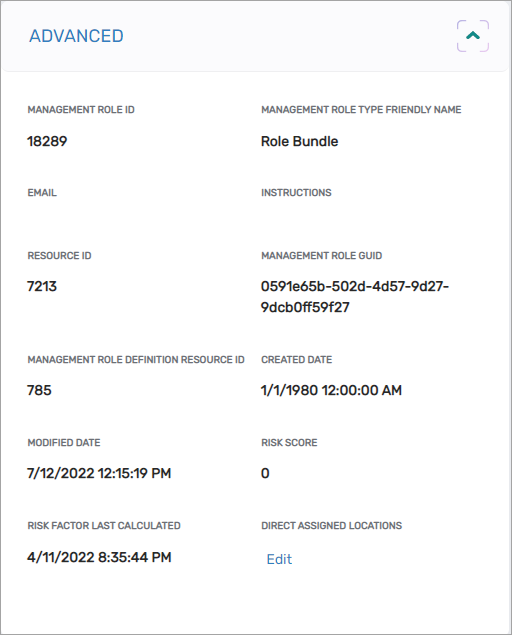 |
| Extension Attributes 1-10 Card | Displays extension attributes 1-10 stored in the database for the Management Role, if any. |
| Extension Attributes 11-20 Card | Displays extension attributes 11-20 stored in the database for the Management Role, if any. |
| Members Tab | Contains several accordions with categorized role membership information. 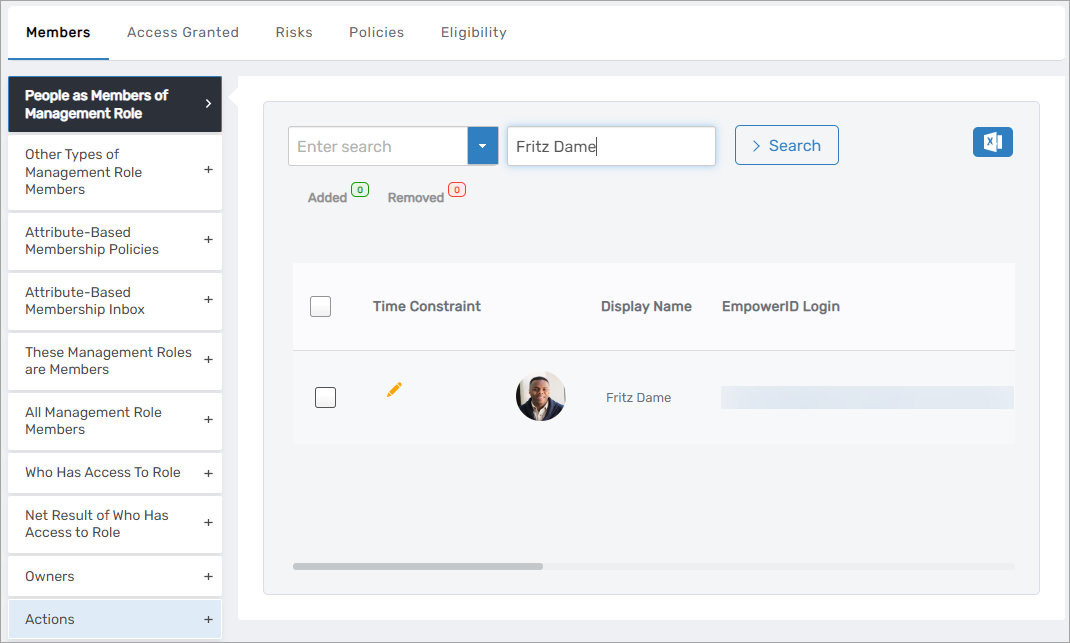 |
| Access Granted Tab | Displays current access by category for the Management Role 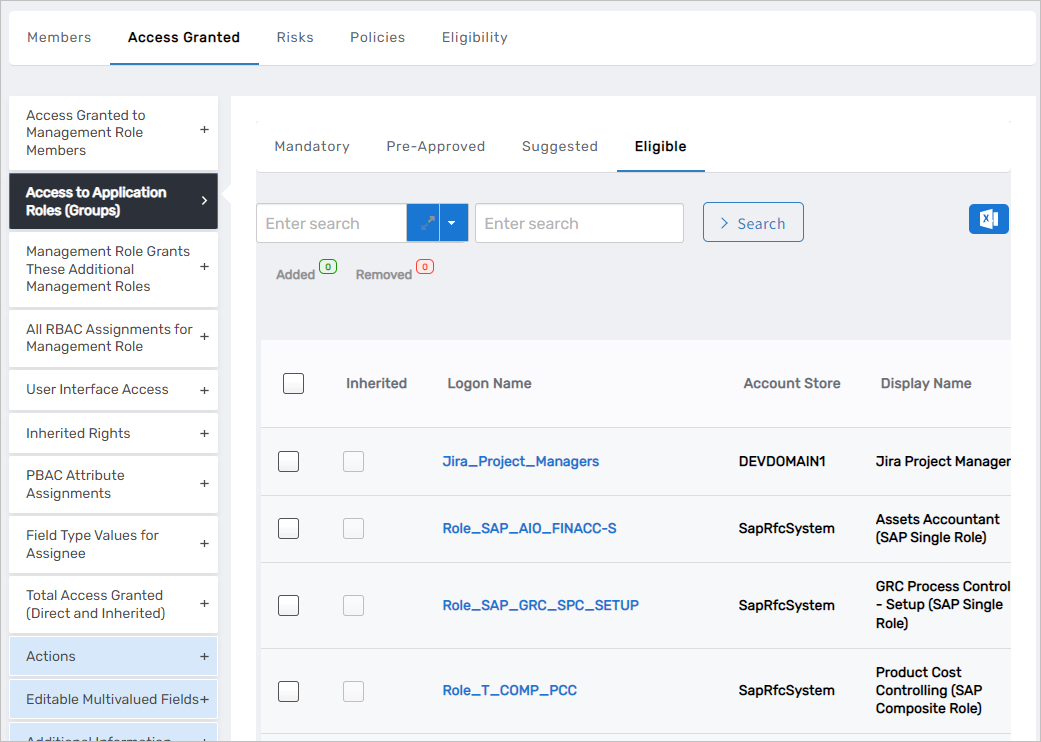 |
| Risks Tab | Displays risk-related information for the Management Role, such as any local functions granted to the role 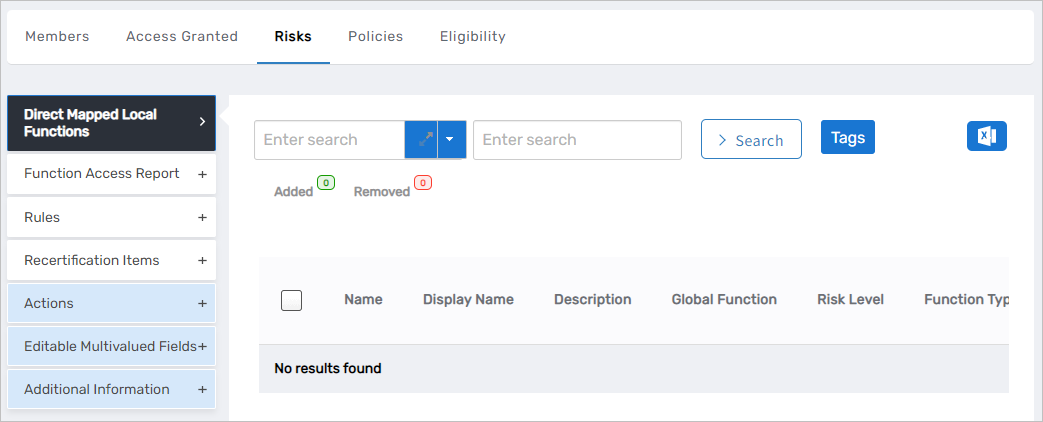 |
| Policies Tab | Displays policy-related information for the Management Role, such as any inherited resource entitlements granted to the role |
| Eligibility Tab | Displays eligibility-related information for the Management Role, such as "Resources Members Eligible to Request (As Resources)" 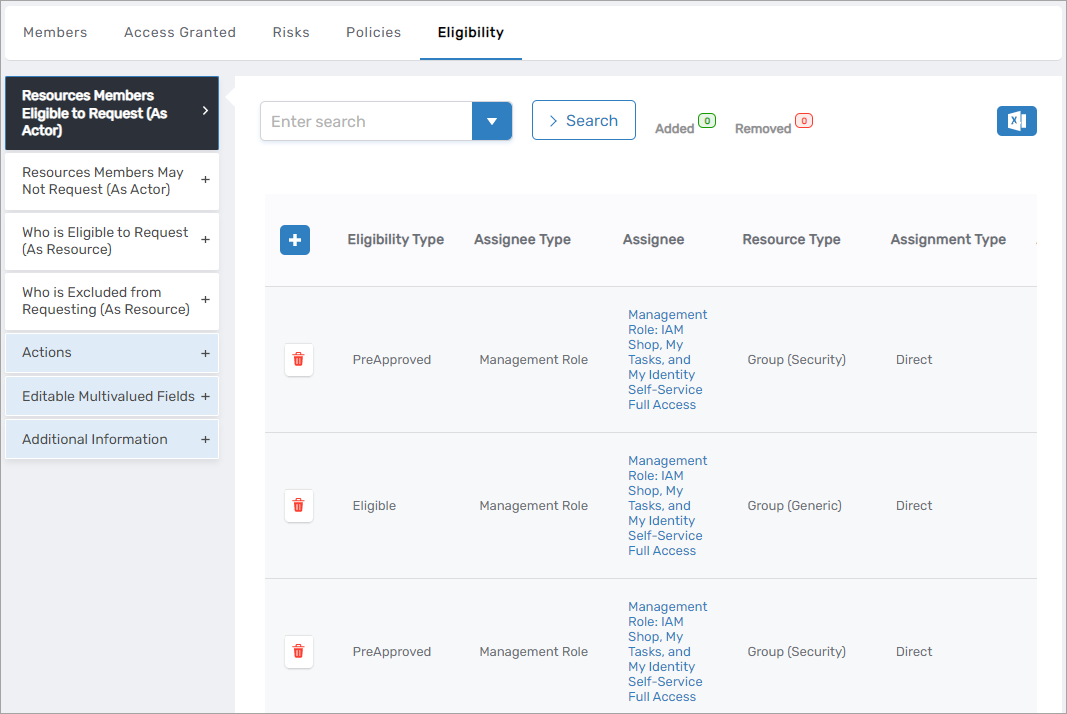 |
Optimize Tab
The Optimize tab provides quick access to visual dashboards of information related to Management Role memberships, including least privilege and risks stats, as well as allows users with the appropriate access to manage aspects of the Management Role as needed.
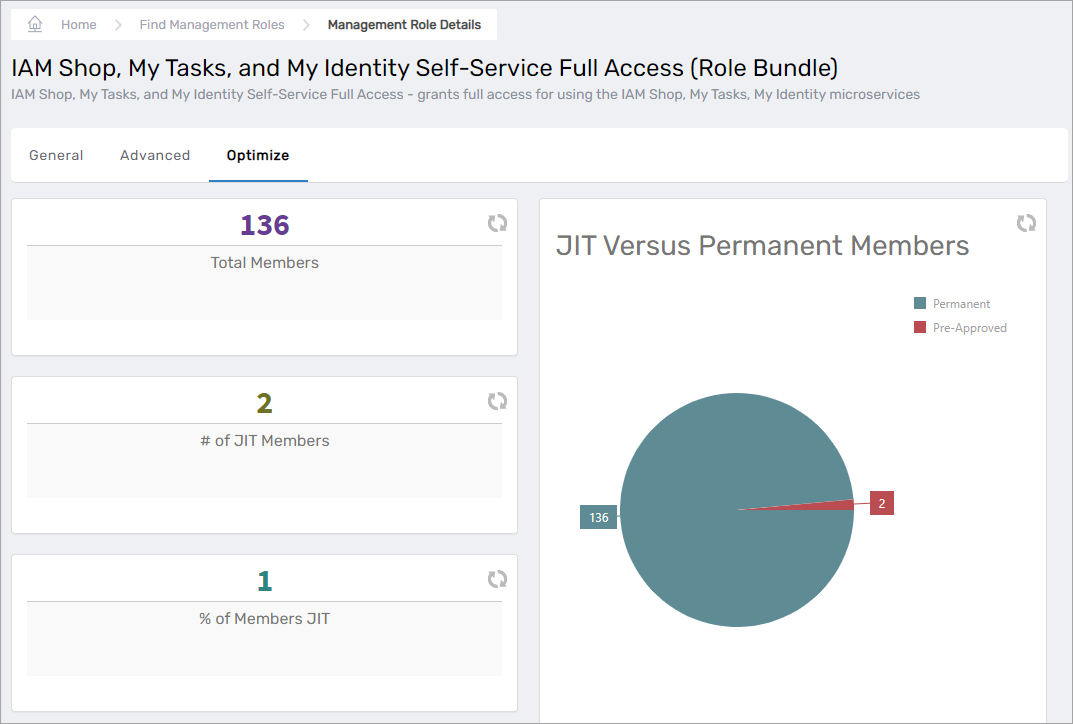
Components of the Optimize tab include the following:
| Component | Purpose |
|---|---|
| Membership Dashboard | Displays quick view of the number of members in the Management Role, including JIT versus permanent members |
| Functional Access Card | Displays any local functions the Management Role has, and the risk level associated with those functions |
| People as Members of Management Role Accordion | Displays role members, as well as provides access to manage role membership as needed |
| Pre-Approved Just-in-Time Members Accordion | Displays assignees who are pre-approved for role membership. Pre-approved assignees are automatically granted membership when requesting it from the IAM Shop. Authorized users can add and remove pre-approved assignees to and from the role via this accordion. 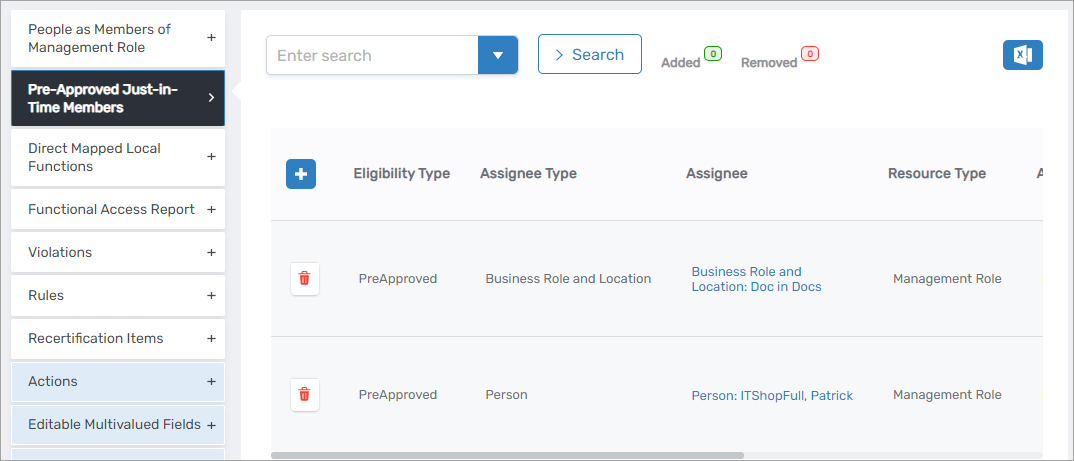 |
| Direct Mapped Local Functions Accordion | Displays all local functions mapped directly to the Management Role and gives authorized users the ability to manage the functions mapped to the role |
| Function Access Report Accordion | Displays information about any functions the Management Role has access to, including direct and indirect function access |
| Violations Accordion | Displays violations of organizational risk policies for the Management Role, if any |
| Rules Accordion | Displays Risk rules associated with the Management Role, if any |
| Recertification Items Accordion | Displays recertification items for the Management Role, if any |
| Actions Accordion | Displays a list of workflow tiles that can be used to perform common actions against the Management Role, such as cloning the Management Role |
Access to the page, as well as the number of tabs and accordions available on the page differs according to the Management Role assignments of the person viewing the page. The number of tabs, accordions, and information presented on these pages differs according to the amount of access granted to the person viewing the page. Not all users will see the same amount of information or be able to manage information about the person. For example, the above image shows what the View page looks like for a user who has full access to the person. Each tab and accordion on Person View or Person View One pages is secured and management tools.