Delete App Roles
As an application owner or administrator, you can delete app roles from a Microsoft Entra application when they are no longer needed. EmpowerID processes the removal on your behalf, keeping your application's role configuration clean and secure.
Deleting an app role is permanent and cannot be undone. Ensure the role is no longer in use before proceeding.
Steps to Delete an App Role
- Log in to Resource Admin.
- In the Resource Type menu, select Applications.
- Search for and select the Microsoft Entra application you want to manage.
- Click the Details button for the application.
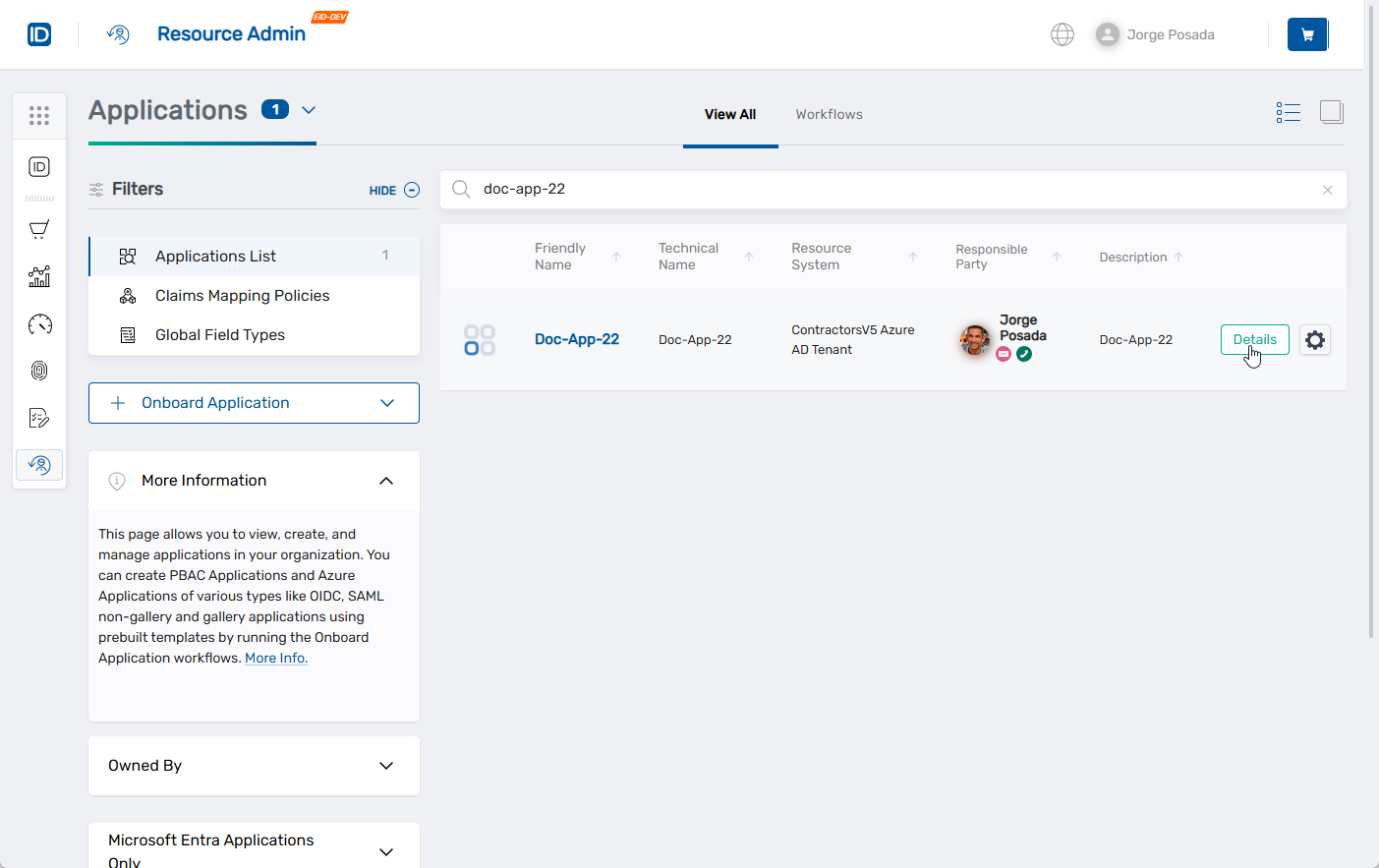
This opens the application Overview page.
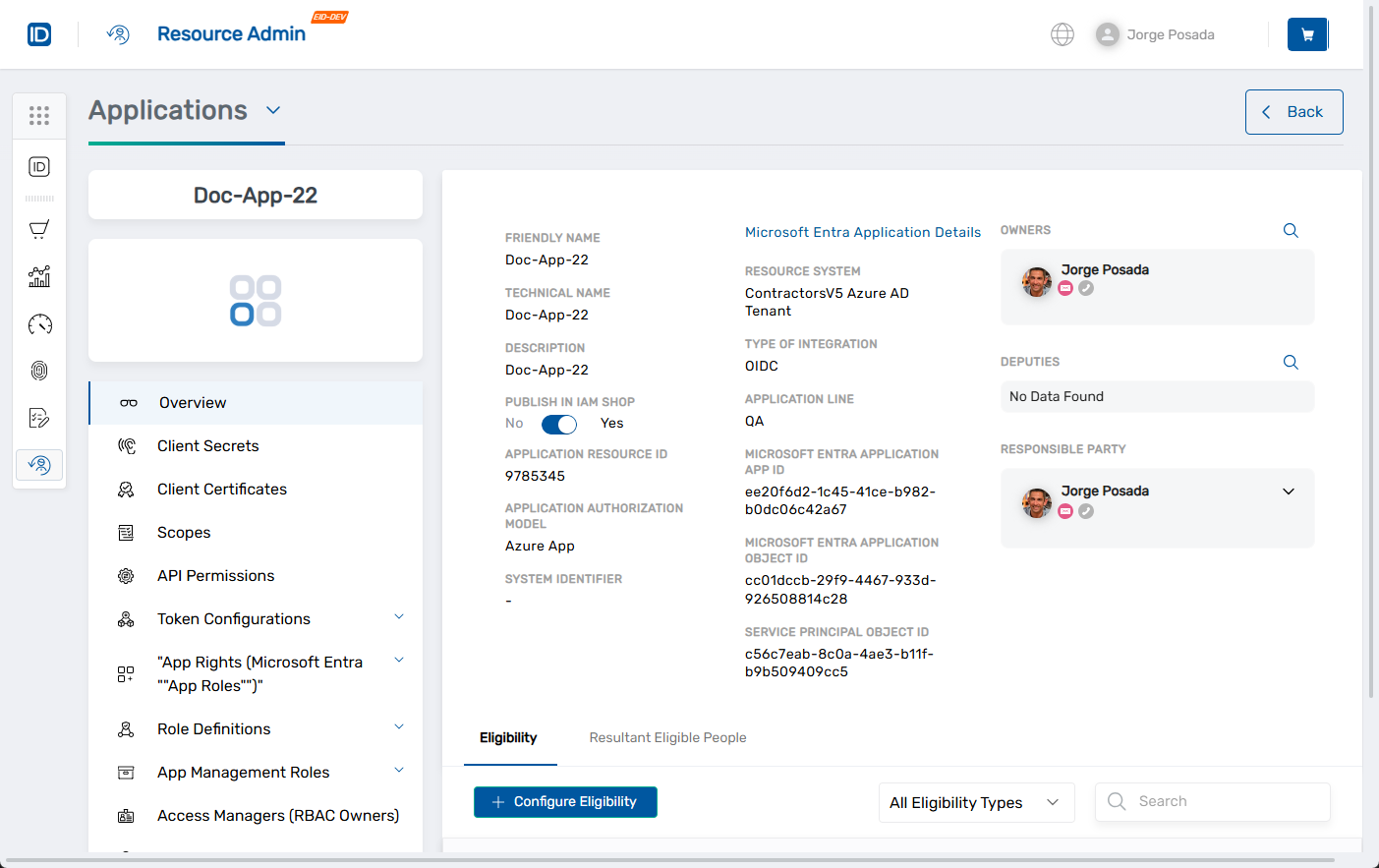
- In the left application menu, click App Rights (Microsoft Entra "App Roles").
- In the App Rights grid, locate the app role you want to delete.
- Click the Delete button for the corresponding role.
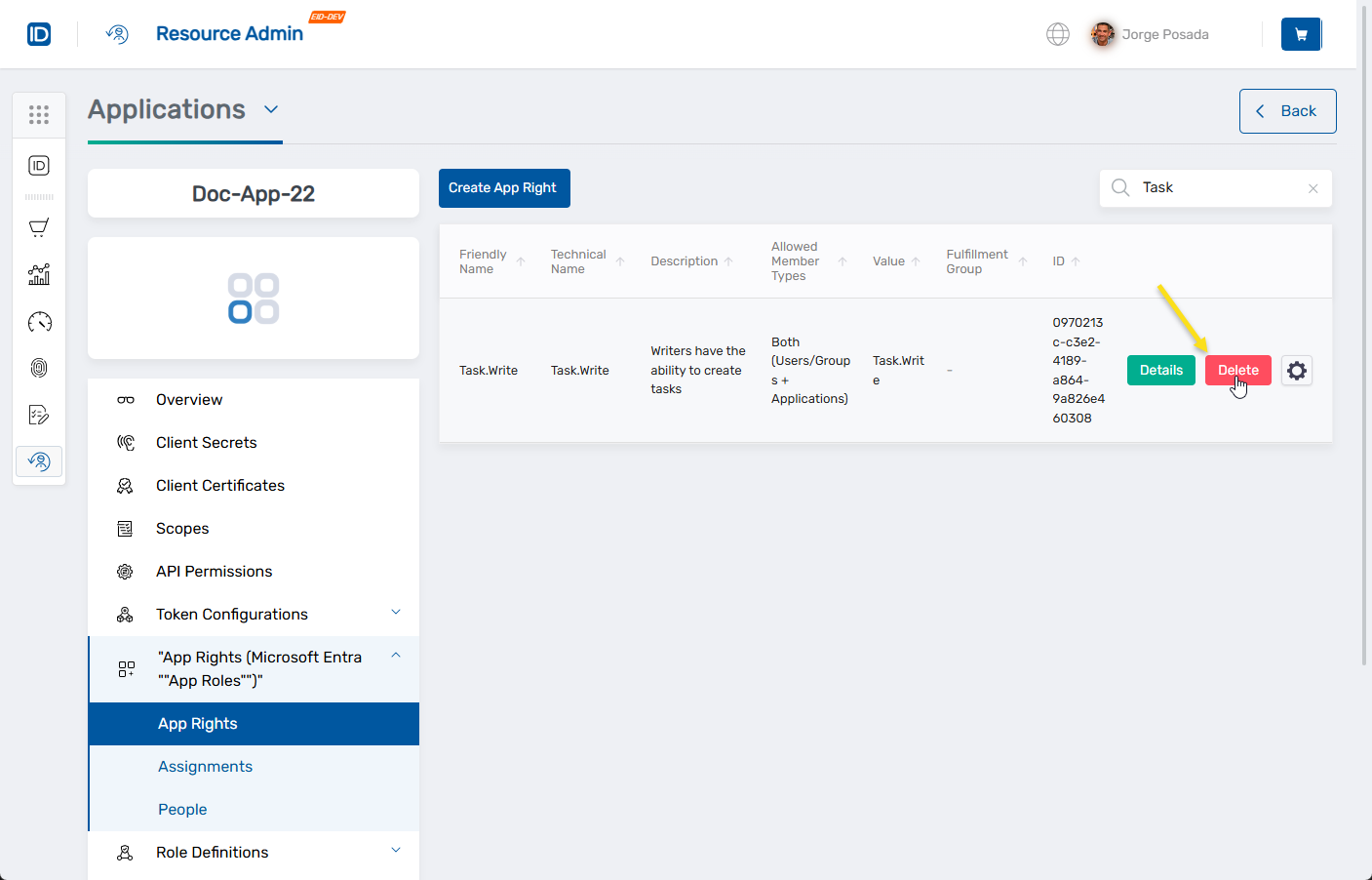
- In the confirmation dialog, click Delete to proceed.

This method deletes the selected app role directly and is the recommended approach for most users.
Alternate Workflow Options
EmpowerID also supports managing or deleting app roles through workflow actions accessible via the context menu in the App Rights grid. These include launching the Delete or Manage App Role workflows.
Note:
Alternate methods for managing or deleting Microsoft Entra app roles—such as those launched from the gear icon context menu—are supported in EmpowerID and may be documented separately in the future.
What Happens Next
- EmpowerID deletes the selected app role(s) from the associated Microsoft Entra application.
- Changes are logged in the EmpowerID audit trail for compliance and visibility.
- Deleted roles will no longer appear in the App Rights grid or be available for assignment.