Add IAM Shop Assignees for Requesting Access
Adding IAM Shop assignees controls who can request specific IAM Shop Permission Levels for computers through the IAM Shop. By configuring assignees, you determine which users or groups are eligible to request elevated permissions during PSM sessions.
What IAM Shop Assignees Control
IAM Shop assignees define:
- Which users can see specific permission levels in the IAM Shop
- Which permission levels are available when users request computer access
- How eligibility requirements are enforced for permission requests
By default, permission levels include Local Admin and Domain Admin, but administrators can create custom levels to meet organizational requirements.
Prerequisites
Before adding assignees:
- IAM Shop Permission Levels must be assigned to the computer
- You need appropriate permissions to modify computer RBAC settings
Add Assignees for a Permission Level
-
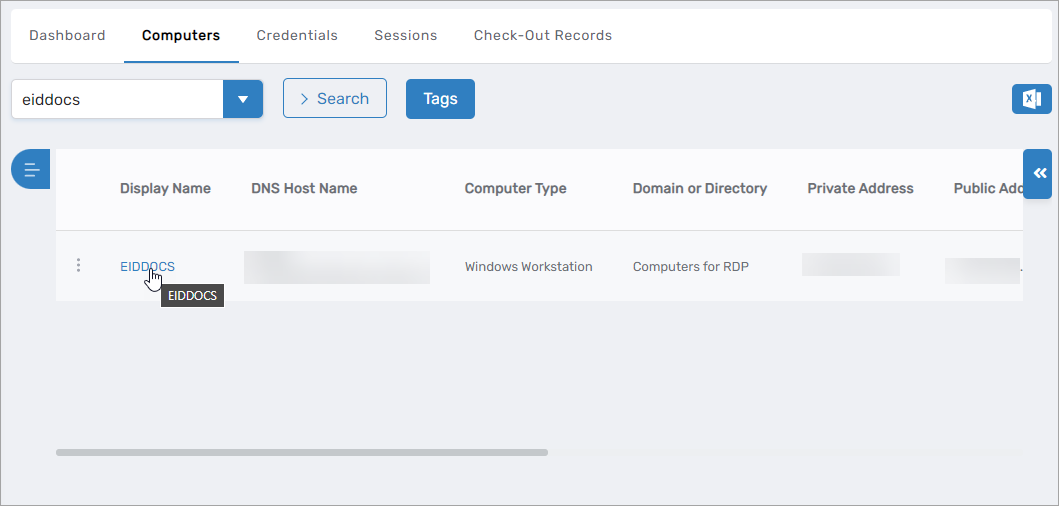
On the navbar, expand Privileged Access and select Computers.
-
Search for and select the target computer.
-
Click the Display Name link to open the View One page.
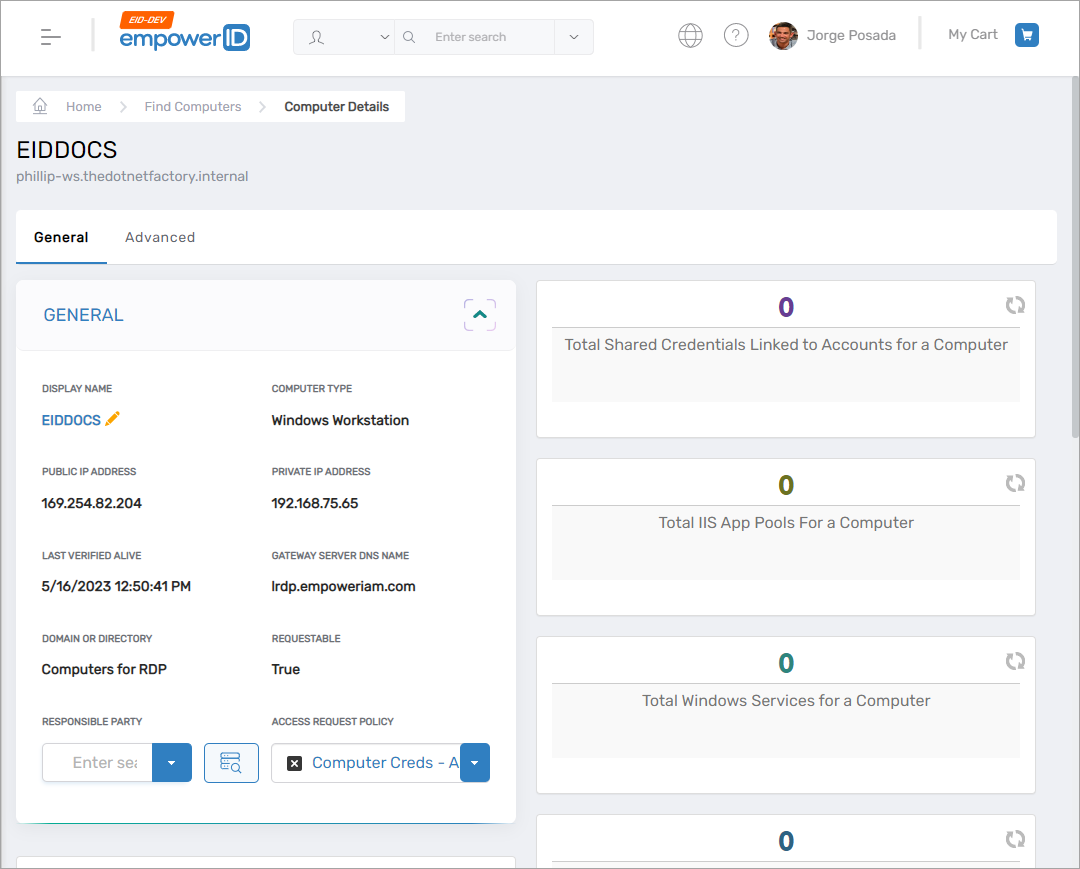
 The View One page opens.
-
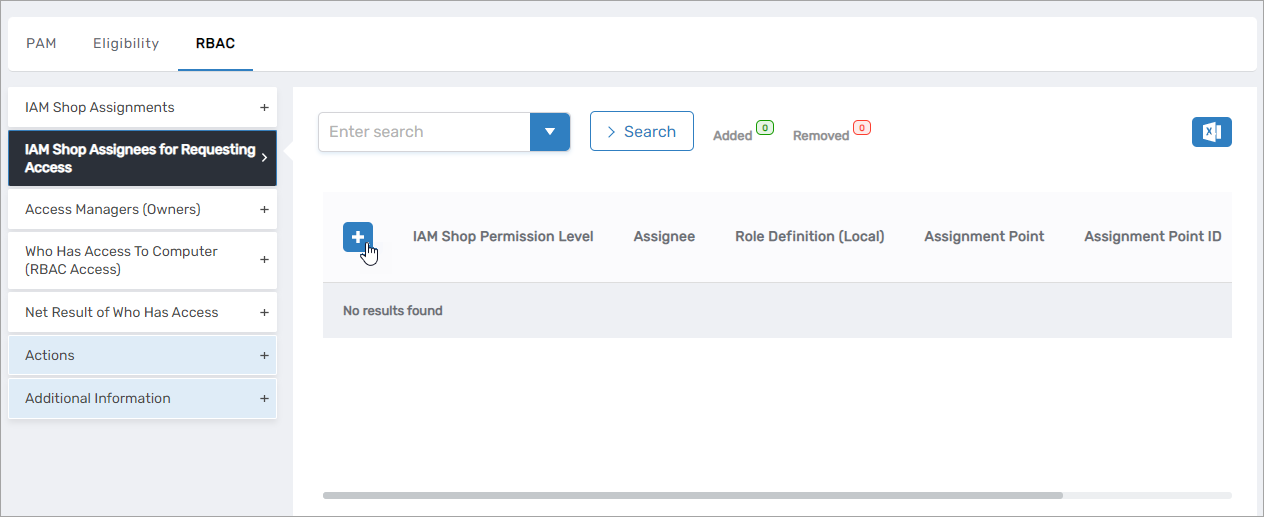
Click the RBAC subtab.
-
Expand the IAM Shop Assignees for Requesting Access accordion.
-
Click the Add New button.
-
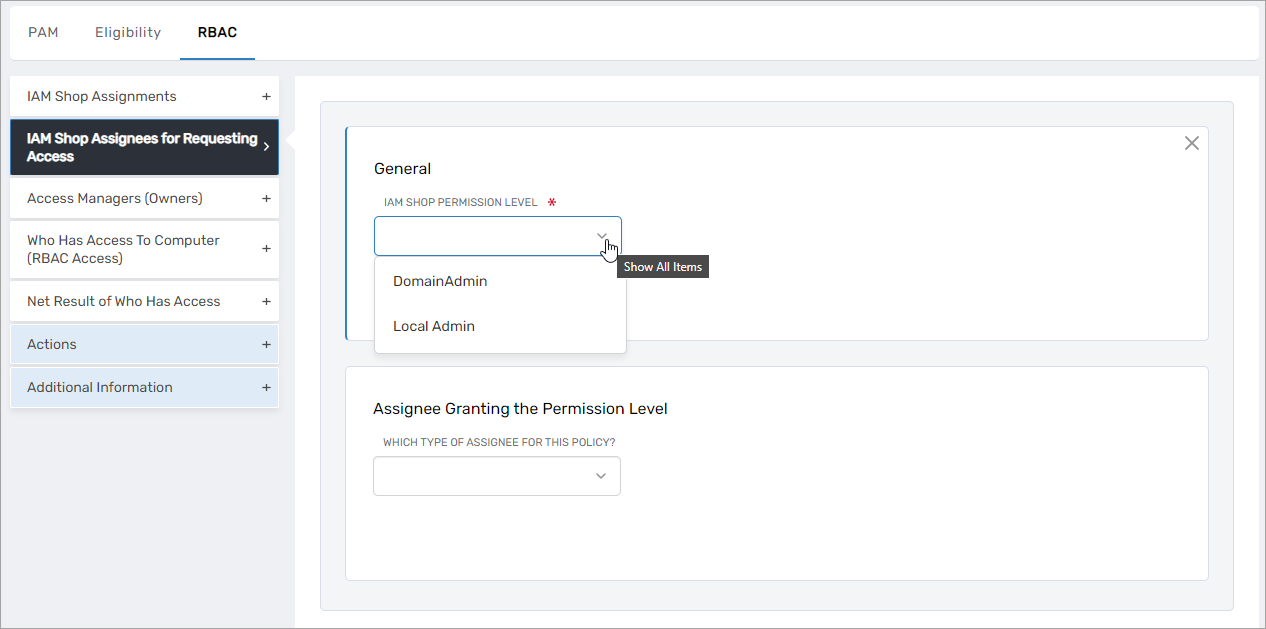
Under General, select the IAM Shop Permission Level from the dropdown.
-
Under Assignee Granting the Permission Level, configure:
- Which Type of Assignee For This Policy – Select the assignee type (Person, Group, Business Role, Location, etc.)
- Select
<Assignee>To Receive Policy – Search for and select the specific assignee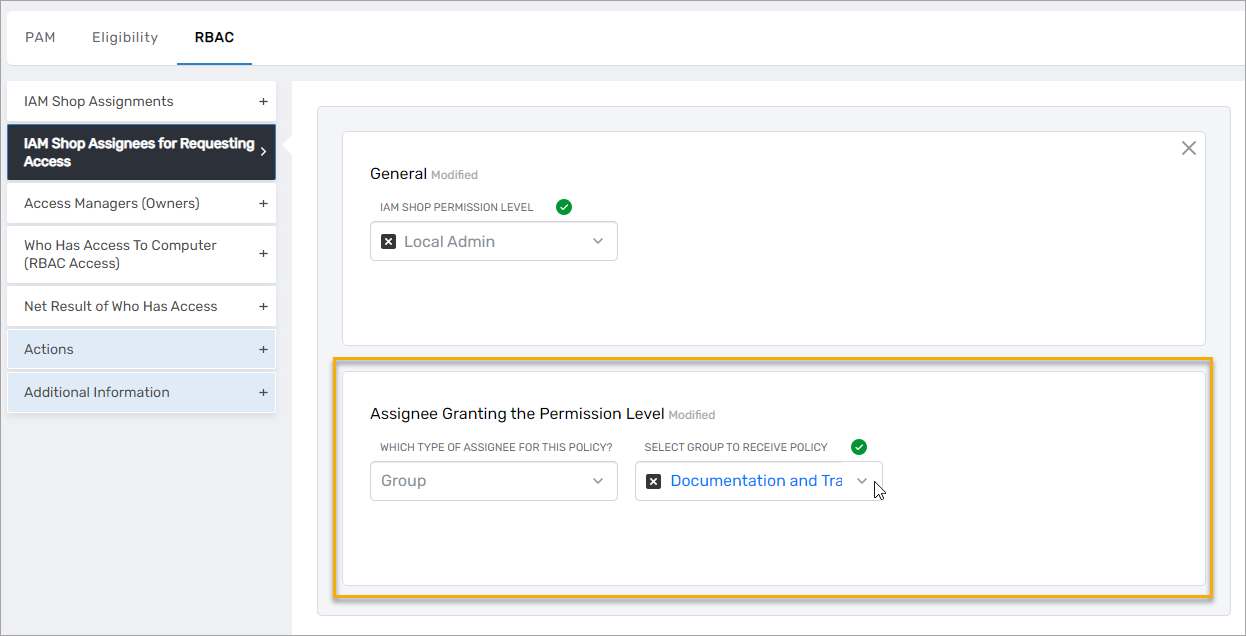
noteThe assignee you select determines who can request this permission level. For example, if you select a specific group, only members of that group will see this permission level as an option in the IAM Shop.
-
Click Save.

-
Repeat steps 6-9 to add additional assignees.
-
Click Submit to complete the configuration.

Results
After submitting:
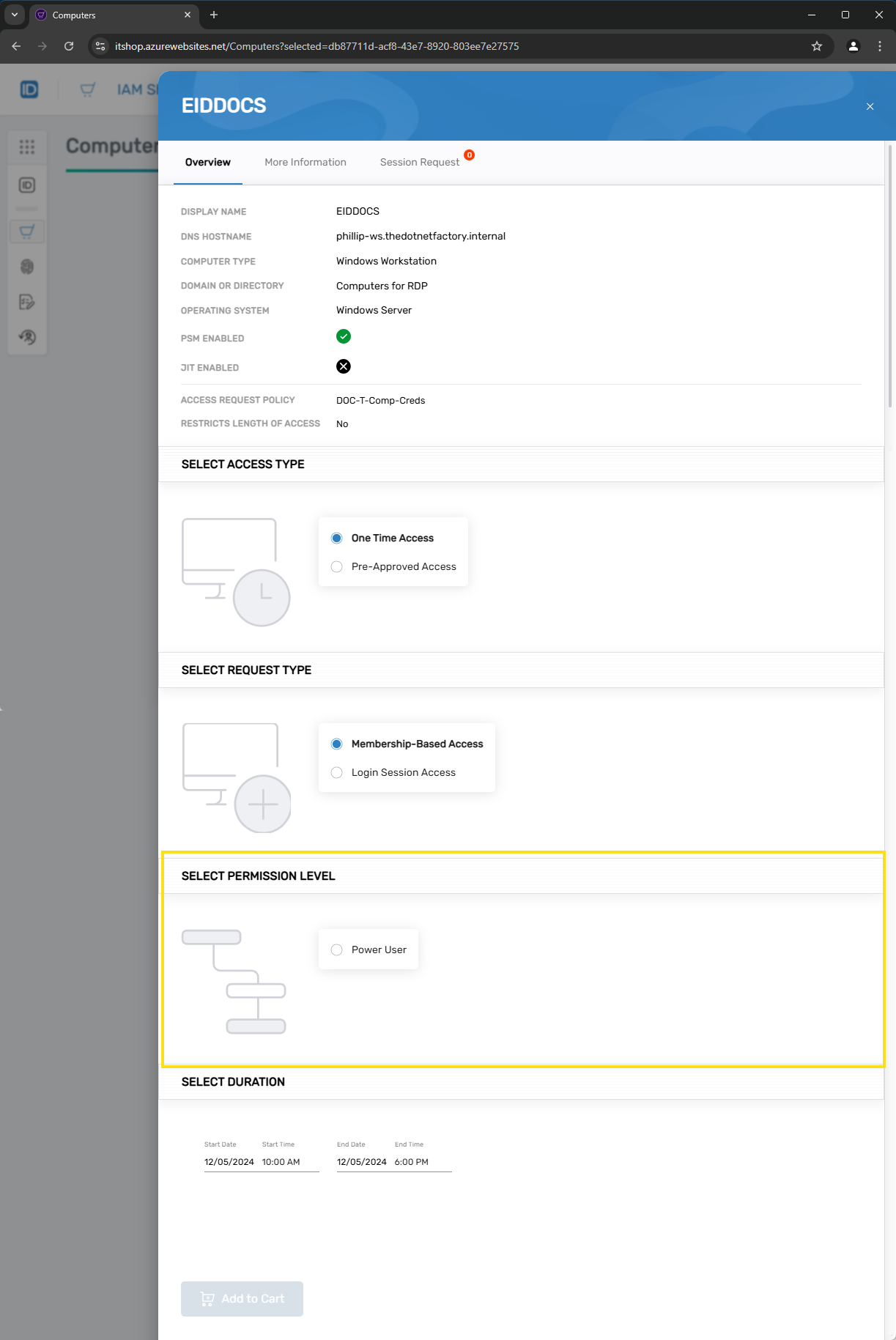
- The selected assignees can see the specified permission level when requesting access to the computer in the IAM Shop
- Users not configured as assignees will not see the permission level as an available option
- Eligibility enforcement (if configured) restricts which users can view and select the permission level
- The assignee configuration appears in the IAM Shop Assignees for Requesting Access accordion
Related Topics
- Assign IAM Shop Permission Levels to Computers – Configure which permission levels are available for a computer
- Configure Eligibility for Computers – Control who can discover and request computer access
- Understanding IAM Shop Permission Levels – Overview of permission levels and their role