Share Secrets
Share your vaulted personal secrets with other users in your organization, provided they meet the required access conditions.
Overview
As the owner of a secret in EmpowerID, you can share it with other users who also have Privileged Access Management (PAM) enabled and have created a master password. Sharing secrets allows authorized individuals to access the encrypted data you've stored, while maintaining audit controls and access restrictions.
👥Who Can Receive Shared Secrets?
You can only share secrets with users who have a master password and PAM access. If a user doesn't appear in the search, they likely haven't met these prerequisites.
What You’ll Need
- Ownership of the secret you want to share
- The recipient must have a master password and PAM access
Share a Secret
- Access Your Profile
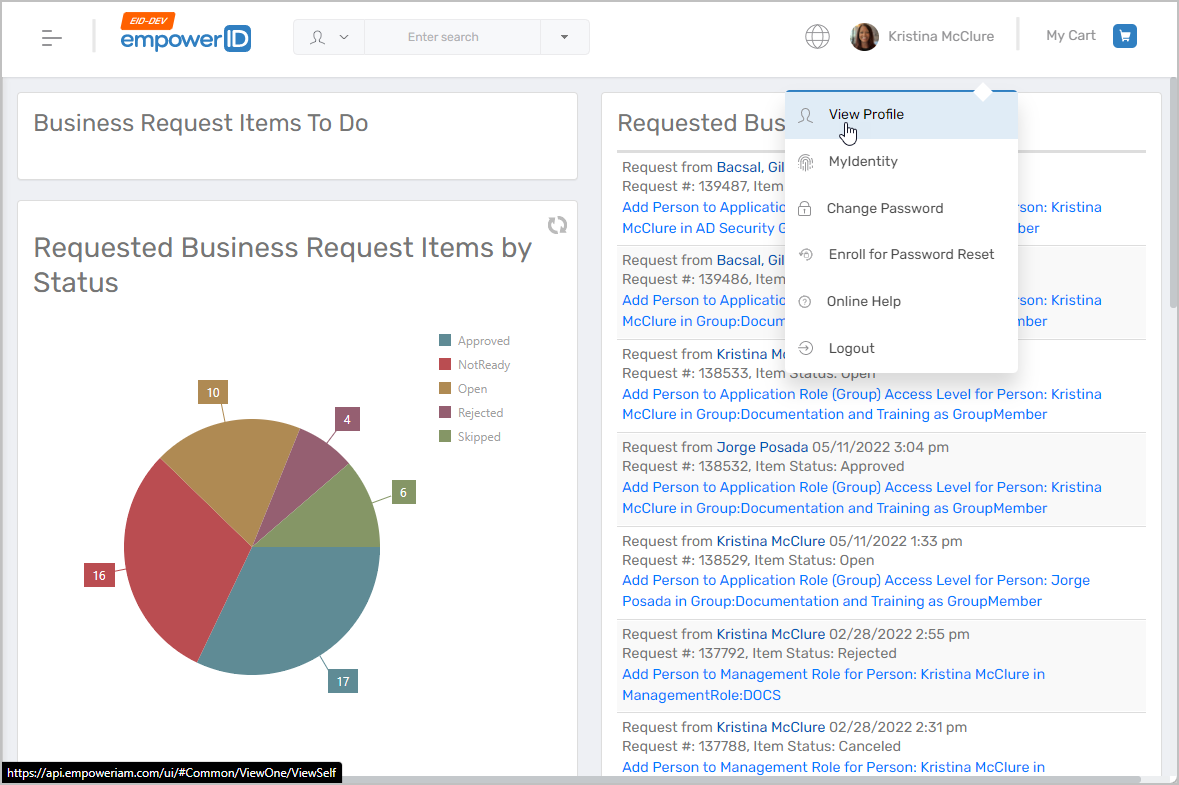
- In the EmpowerID Web application, click your username.
- Select View Profile from the dropdown.
- Open the Secrets Section
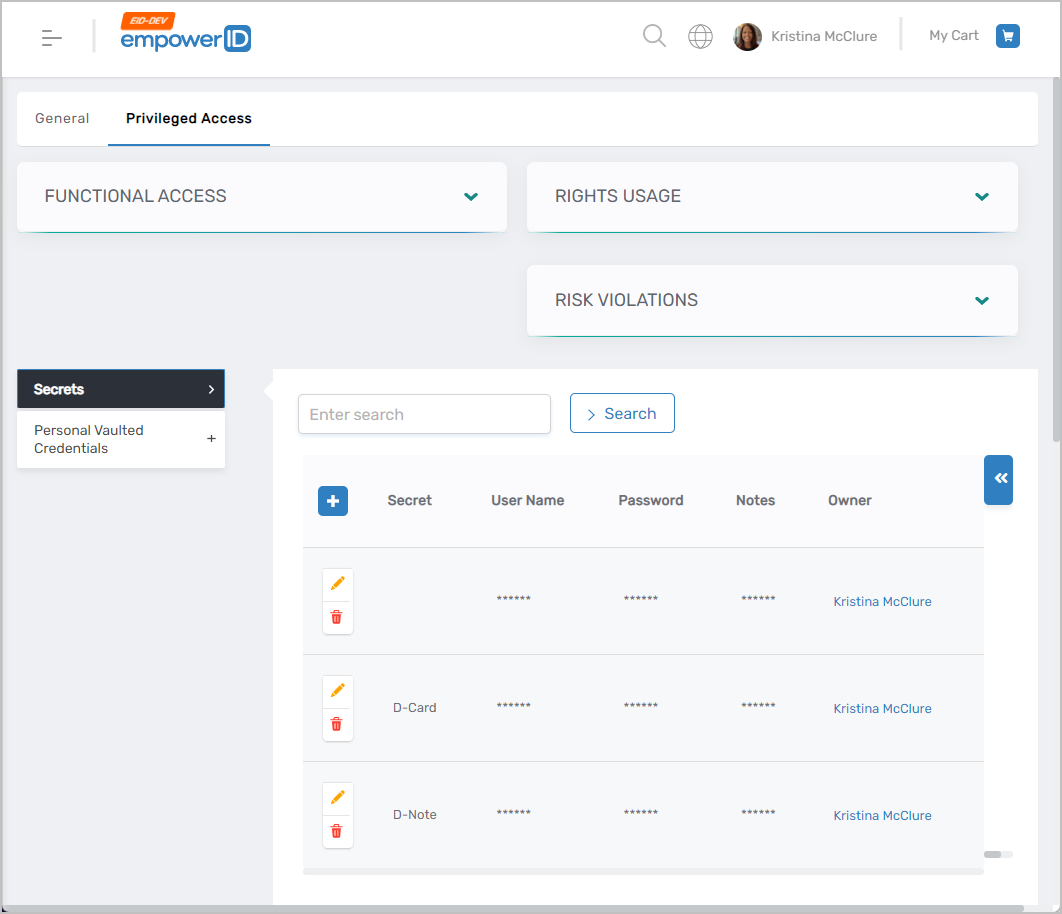
- Click the Privileged Access tab.
- Expand the Secrets section to view secrets you own and those shared with you.
- Open the Secret for Sharing
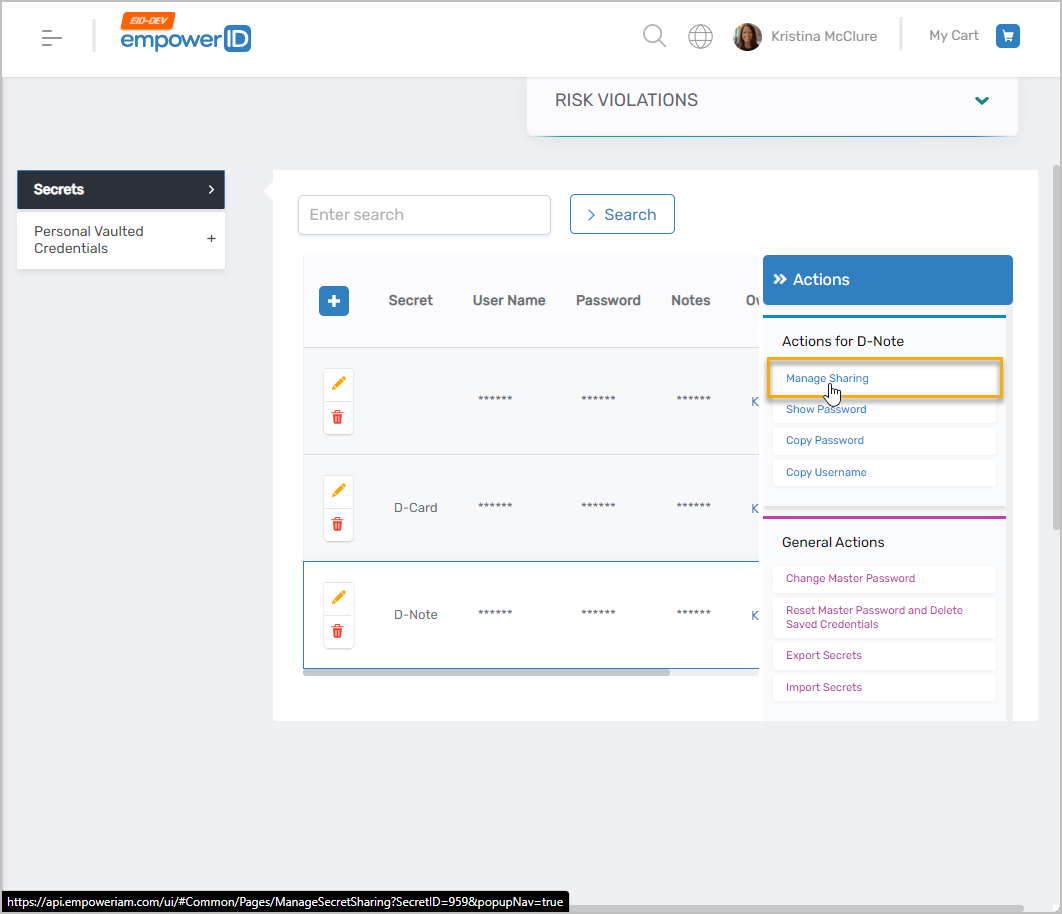
- Click the secret you want to share.
- Click Manage Sharing.
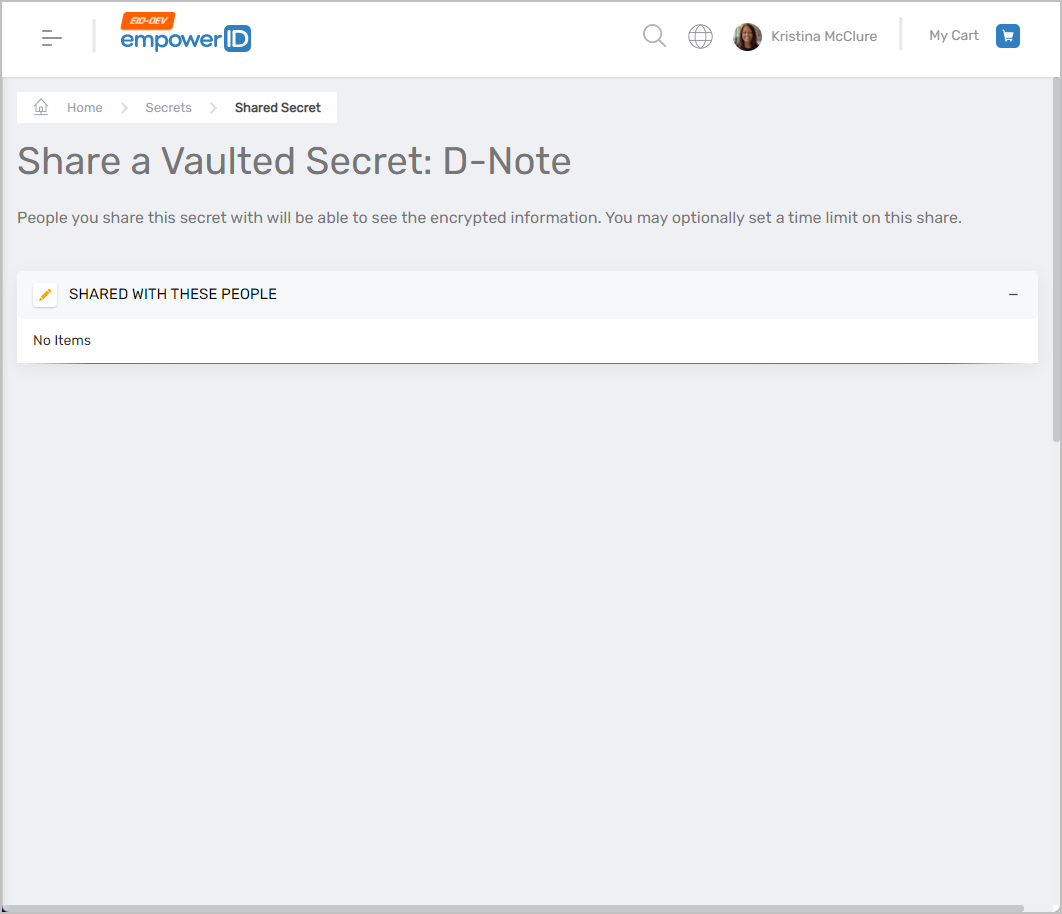
- This opens the Share a Vaulted Secret page.
- Edit the Sharing List
- Click the Edit button.
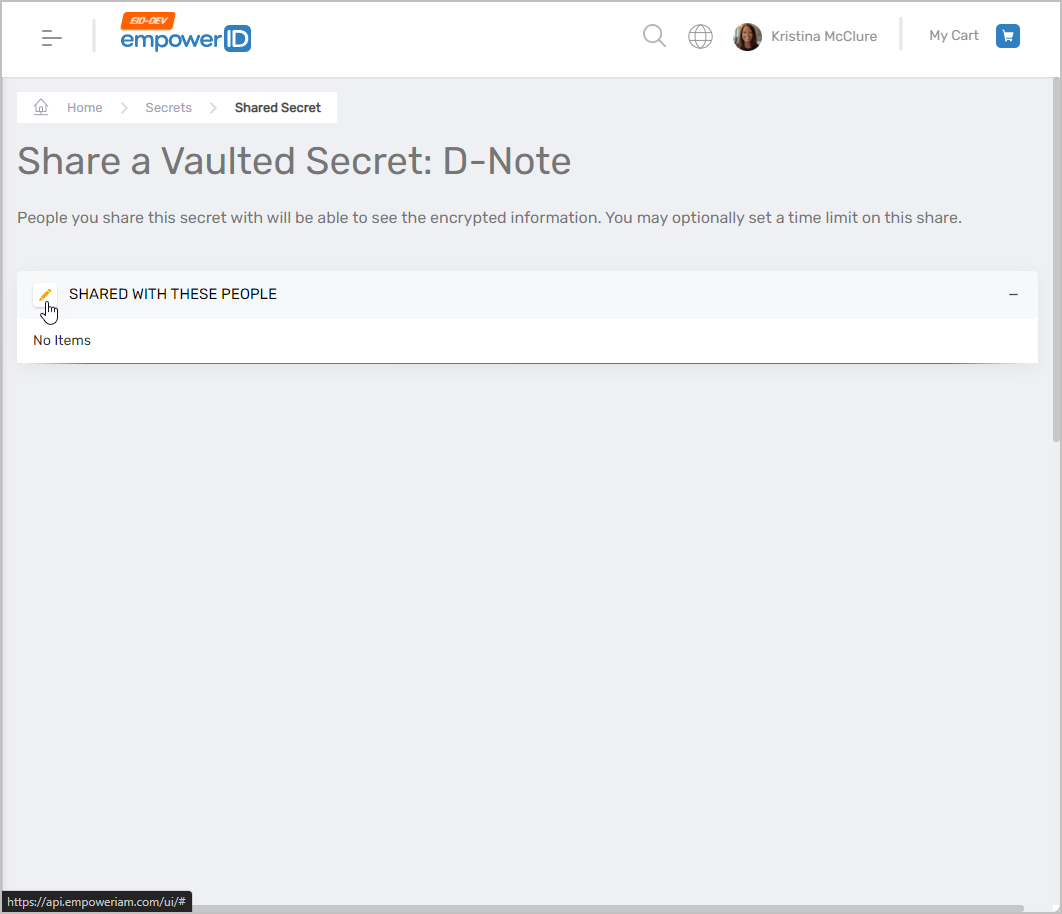
- Click the Edit button.
- Select Users to Share With
- Type the name of the person you want to share the secret with.
- Click their tile when it appears in search results.
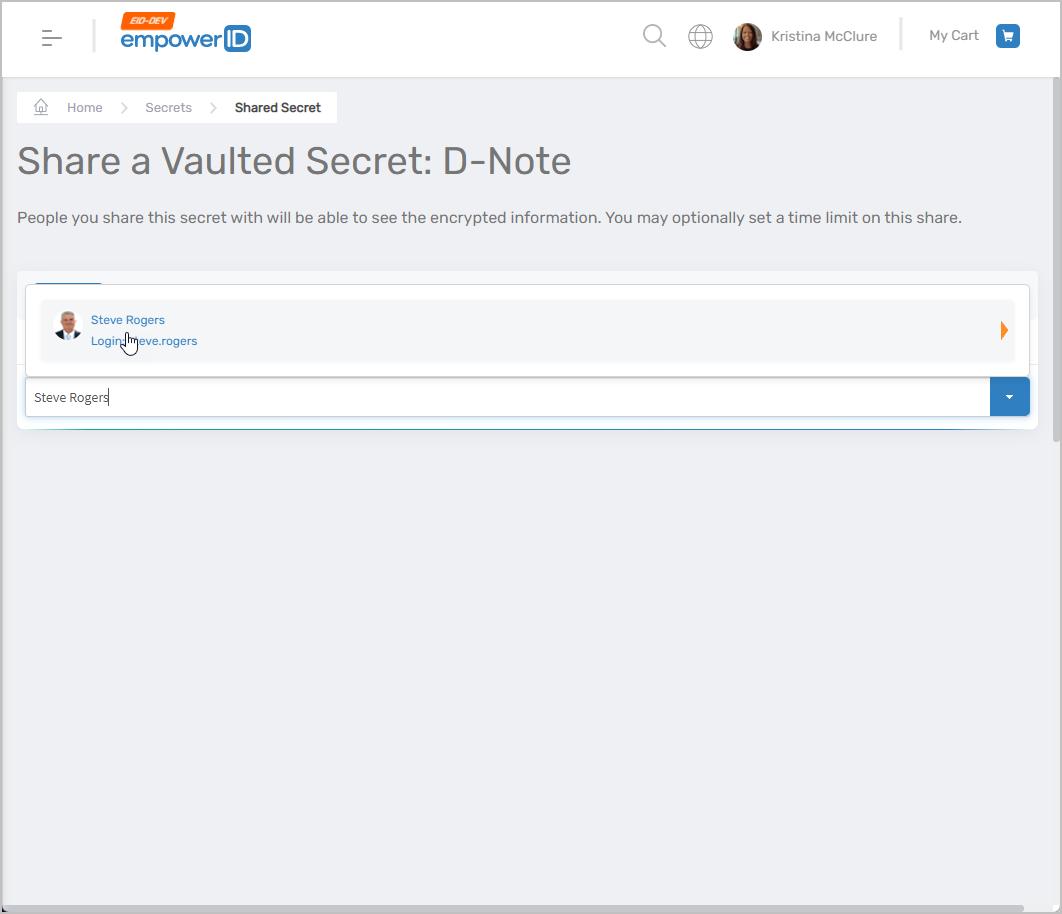
- Add Additional Users (Optional)
- Repeat step 5 for any additional people.
- Save Sharing Settings
- Click Save to finalize the shared access.
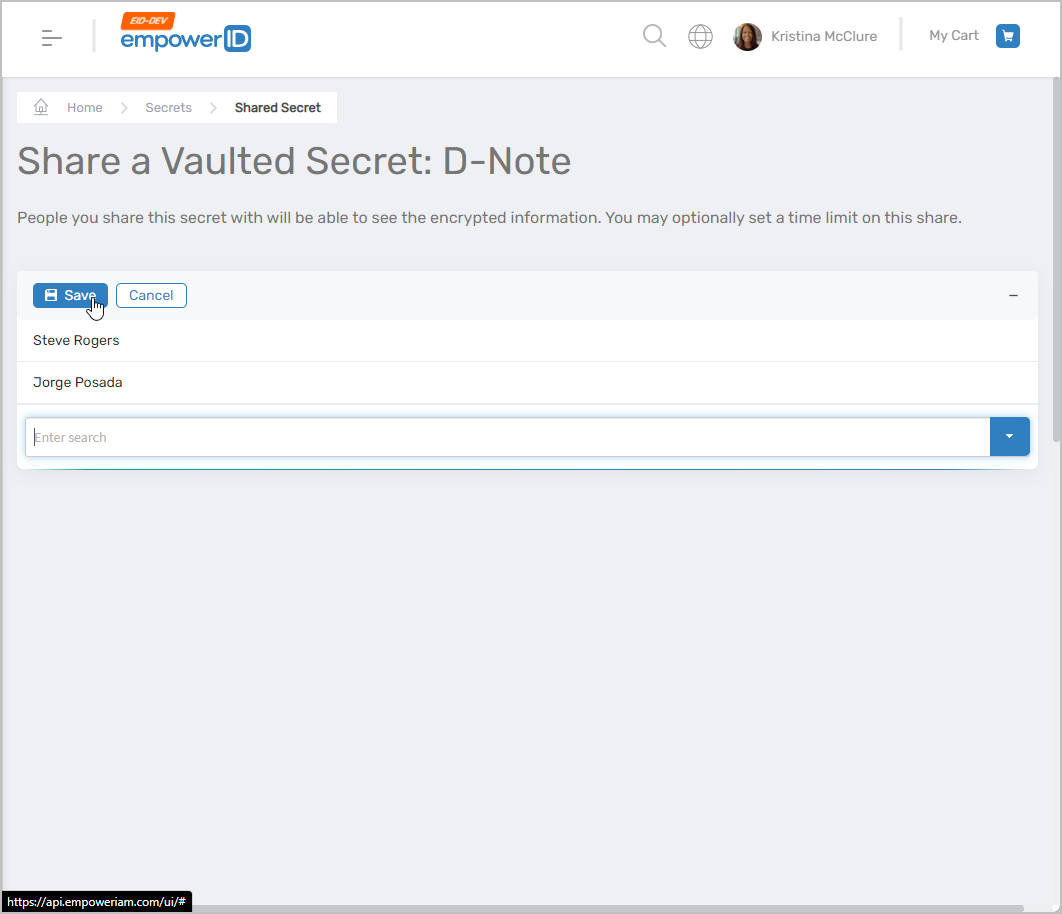
- Click Save to finalize the shared access.
❓User Not Found?
If the person you're trying to share with doesn’t appear, they likely haven’t created a master password or don’t have PAM access enabled.