View Your Secrets
Access and view your personal secrets, such as passwords, notes, or credit card details, securely encrypted with your master password.
Overview
All secrets in EmpowerID are encrypted using your master password. When you want to view a secret, you must first unlock it by entering your master password. This ensures only you can access the contents of your stored secrets.
🔐Master Password Required
To view your secrets, you must have a master password. If you do not have one, you will be prompted to create it. For details, see Create a Master Password.
What You’ll Need
- A valid master password
- At least one created or shared secret
View Your Secrets
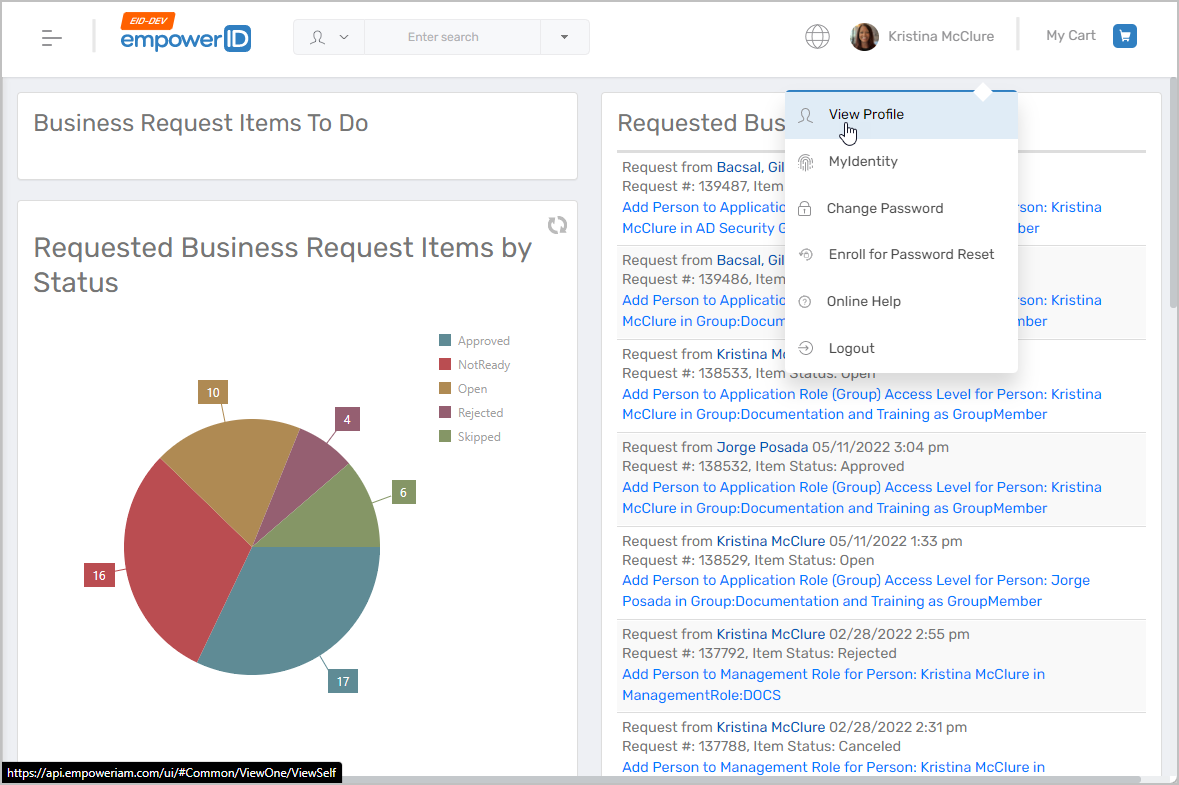
- Access Your Profile
- In the EmpowerID Web application, click your username.
- Select View Profile from the dropdown.
- Navigate to Secrets
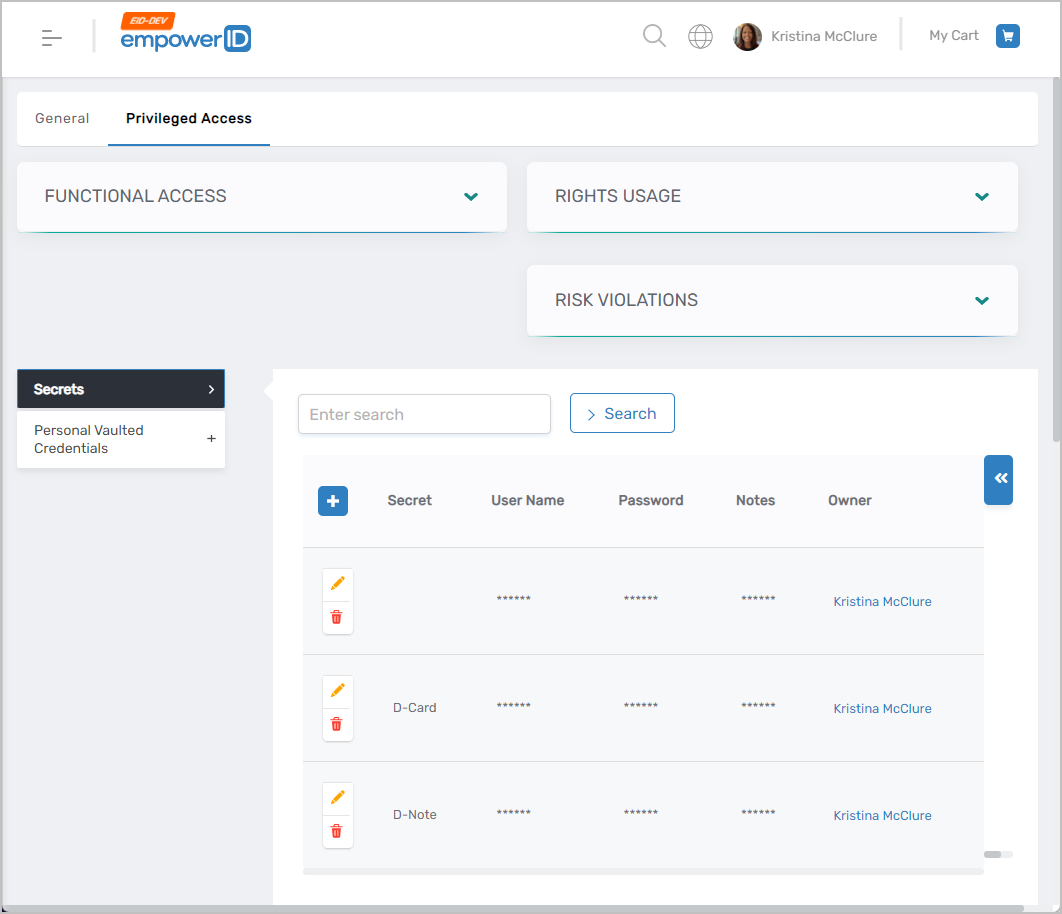
- Click the Privileged Access tab.
- Expand the Secrets section.
- You will see any secrets you created, as well as any shared with you.
- Open the Secret Record
- Click the secret record you want to view.
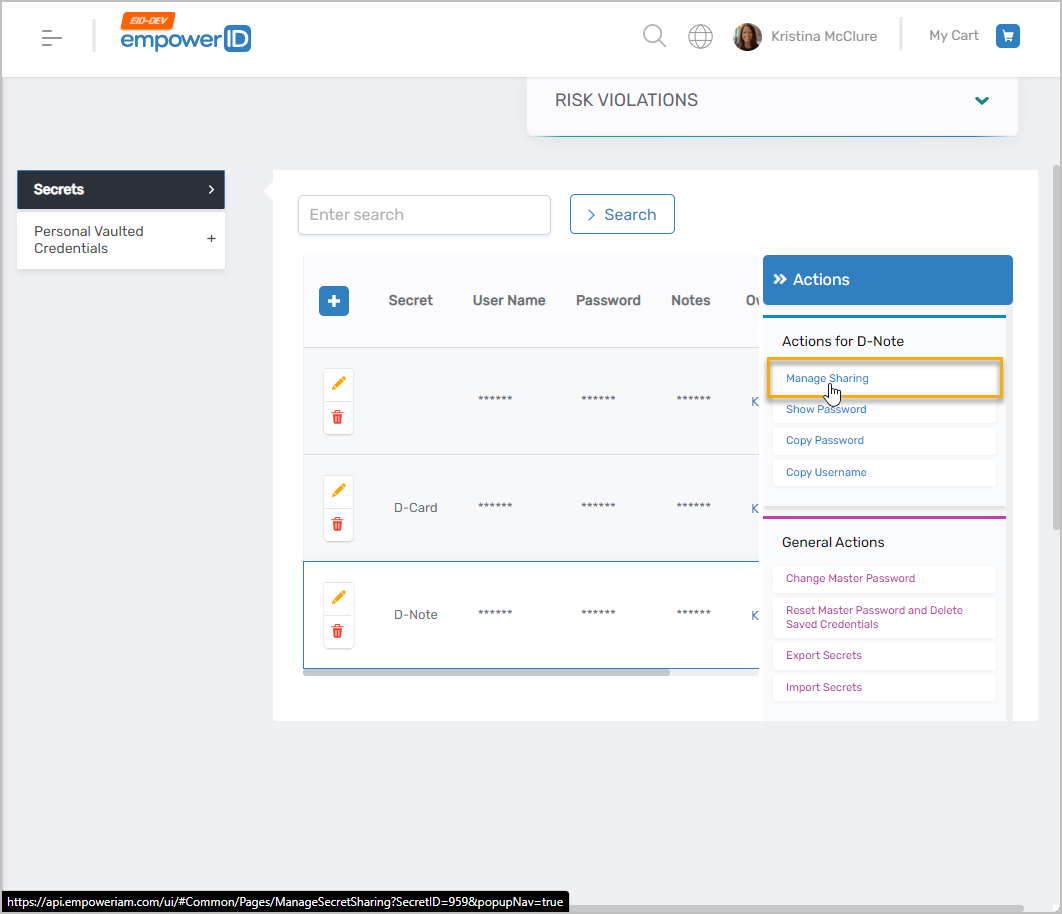
- Click the secret record you want to view.
- Enter Your Master Password
- Type your master password into the prompt and click Unlock.
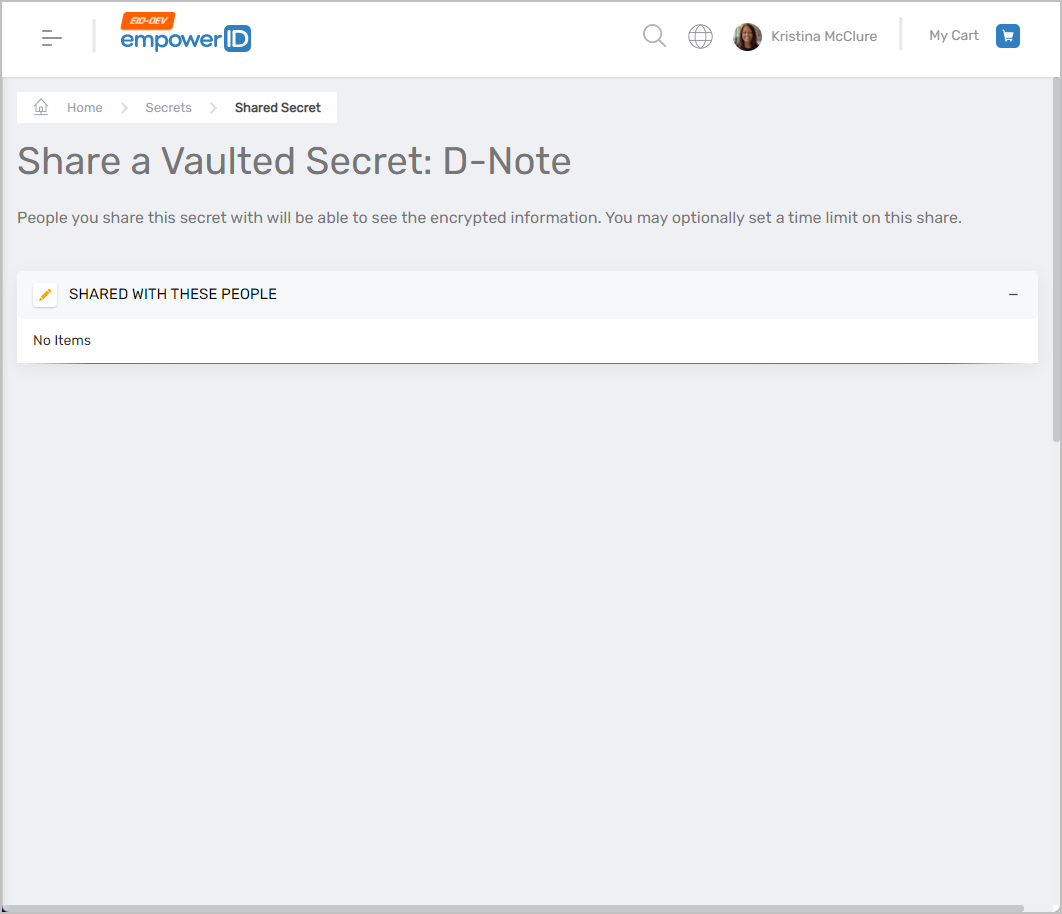
- Type your master password into the prompt and click Unlock.
- View the Secret
- Once unlocked, the secret details will be displayed.