Edit Mailbox Owners and Deputies
This procedure modifies mailbox ownership and deputy assignments to control administrative rights for managing mailbox settings, permissions, and configurations.
Edit Mailbox Owners and Deputies
-
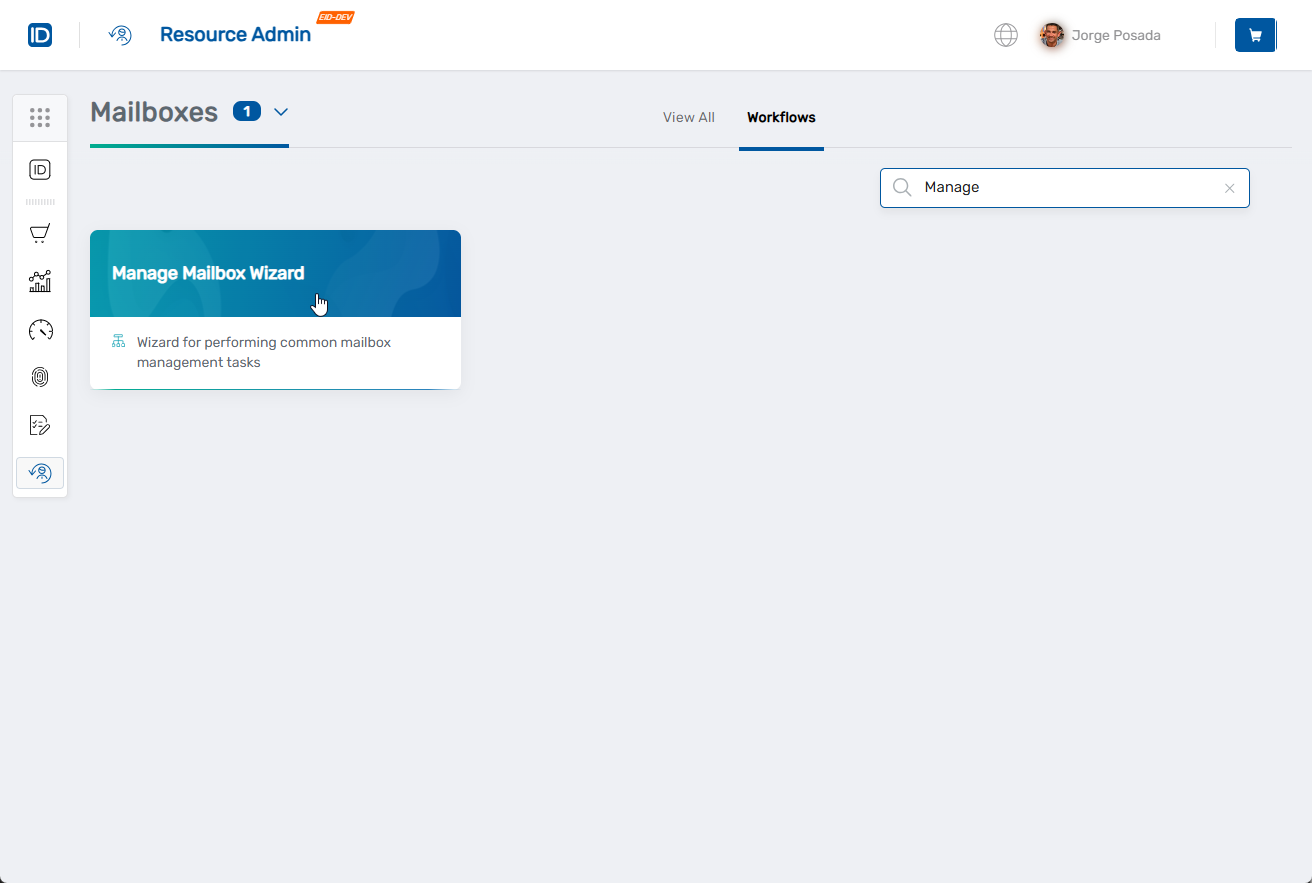
Navigate to Resource Admin.
-
Select Mailboxes from the resource type menu.
-
Click the Workflows tab.
-
Click Manage Mailbox Wizard.
-
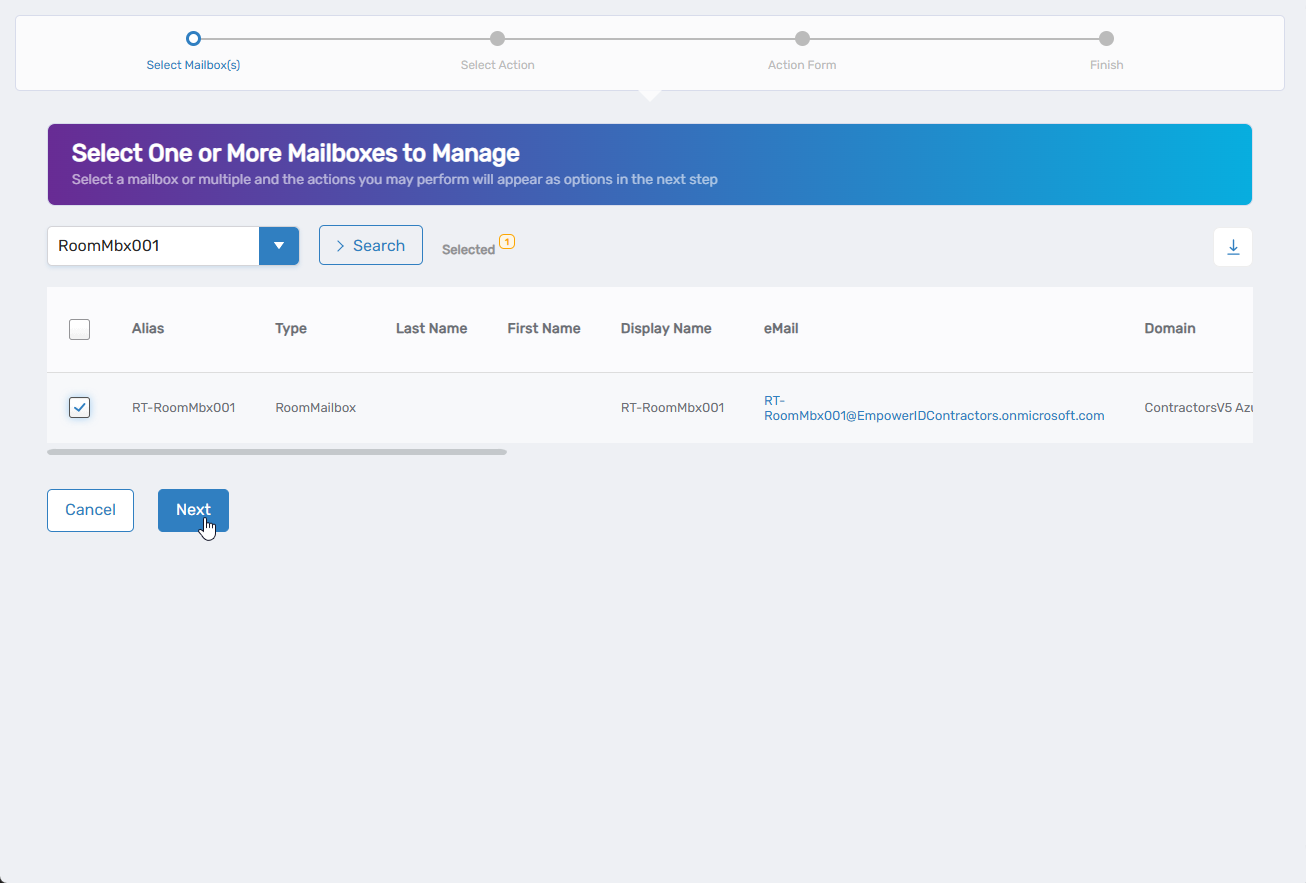
Search for the mailbox to modify, check the box next to it, and click Next.
-
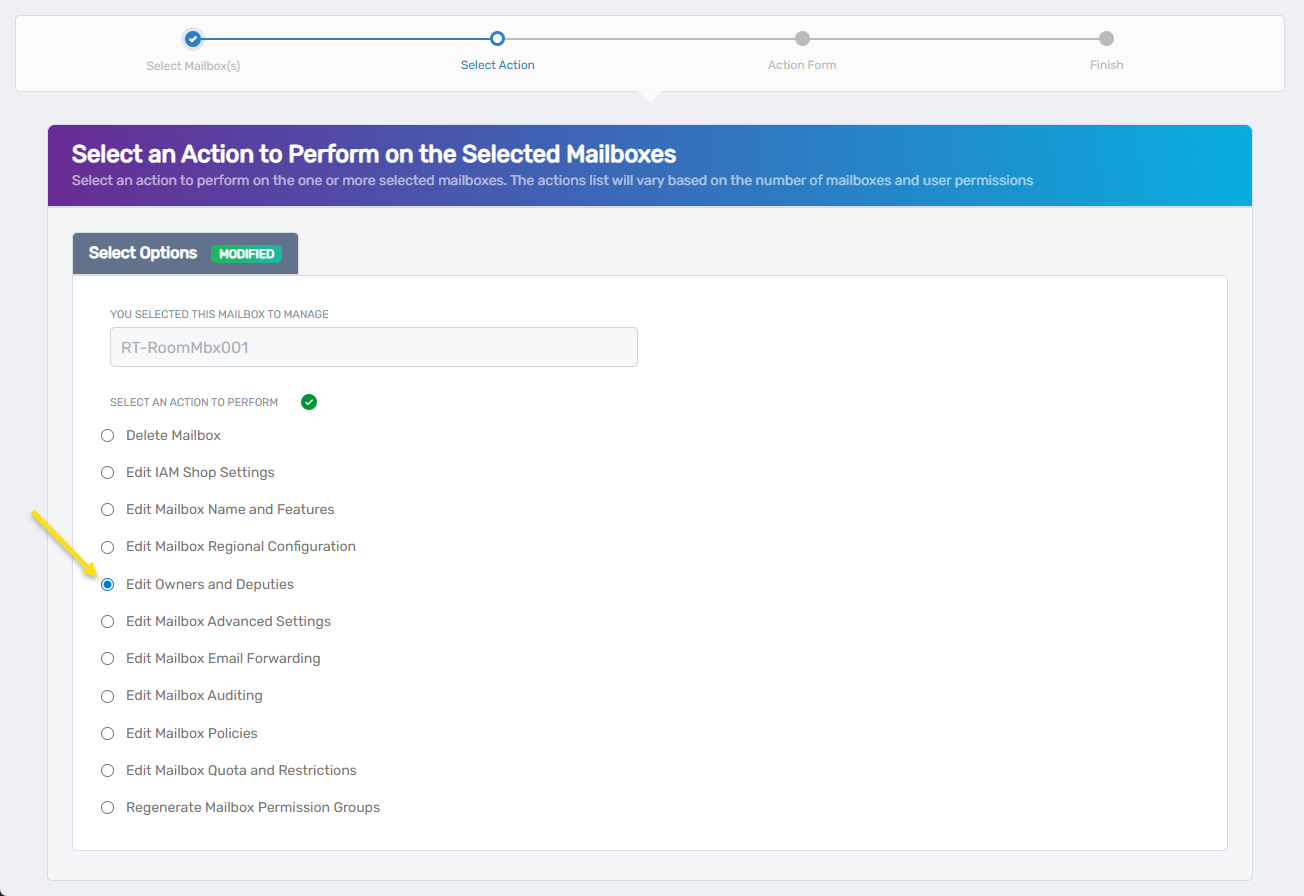
Select Edit Owners and Deputies from the available actions.
-
Click Next.
-
Update mailbox ownership and deputies:
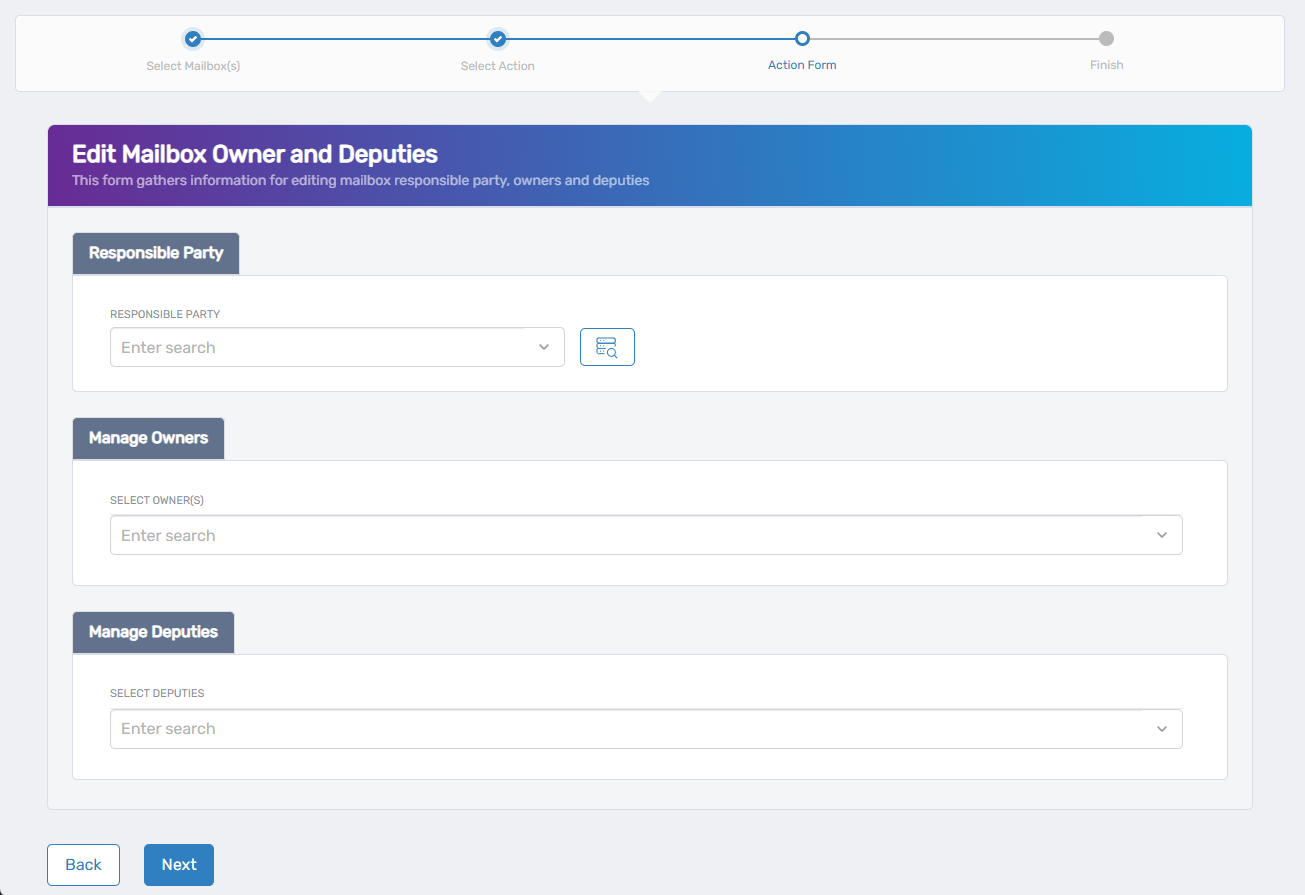
Assign the Responsible Party:- Use the search field to find and select the person with business accountability
- To change the current Responsible Party, clear the existing selection and search for a new person
Manage Mailbox Owners: - Select Owner(s): Use the search field to find and add new owners
- Current Owners: Review with Remove/Keep options for each
- Owners can modify mailbox settings and manage permissions
Manage Deputies: - Select Deputies: Use the search field to find and add backup managers
- Deputies act as backup managers when primary owners are unavailable
-
Click Next.
-
Review the Operation Execution Summary.
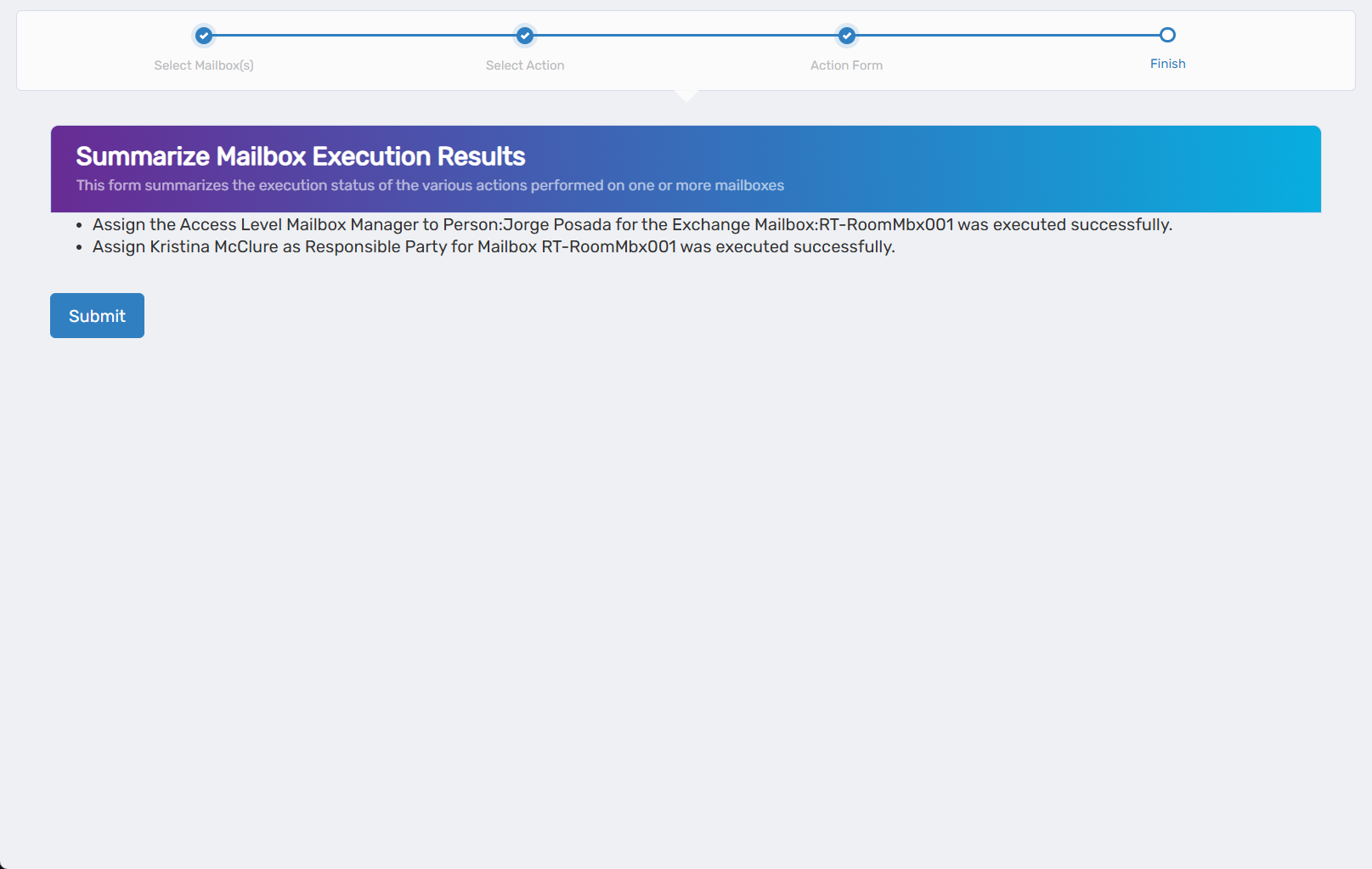
-
Click Submit.
-
Select your next action:
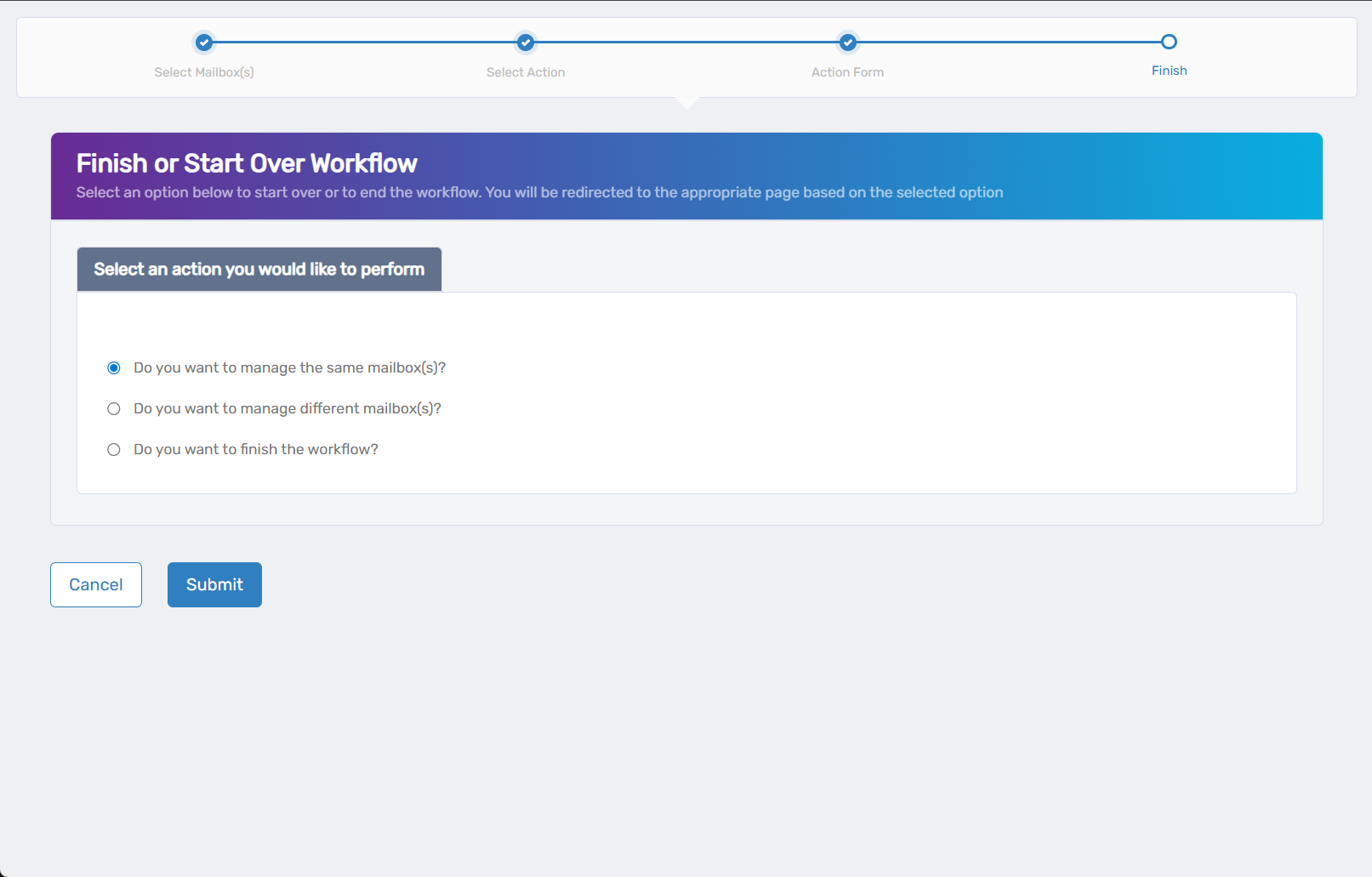
- Do you want to manage the same Mailbox? - Perform additional actions on this mailbox
- Do you want to manage different Mailbox(es)? - Work with other mailboxes
- Do you want to finish the workflow? - Complete and exit the wizard
-
Click Submit.
Results
- Ownership changes take effect for mailbox administrative functions
- Deputy assignments provide backup administrative access
- Removed owners lose administrative privileges to the mailbox