Remove Runtime Dependencies from a Manifest
Runtime dependencies are files not included with Workflow Studio that need to be referenced by your project's manifest for it to run correctly in a runtime environment. If you have added runtime dependencies to a manifest that are no longer needed, you can quickly remove them.
What You'll Learn
In this guide, you'll learn how to:
- Open and access a manifest for editing
- Build a manifest to review current runtime dependencies
- Remove runtime dependencies that are no longer needed
- Confirm the removal of dependencies
Remove Runtime Dependencies
- In Workflow Studio, open the Deployment pane by selecting either Deployment Services from the Common menu or Deployment from the Build ribbon.
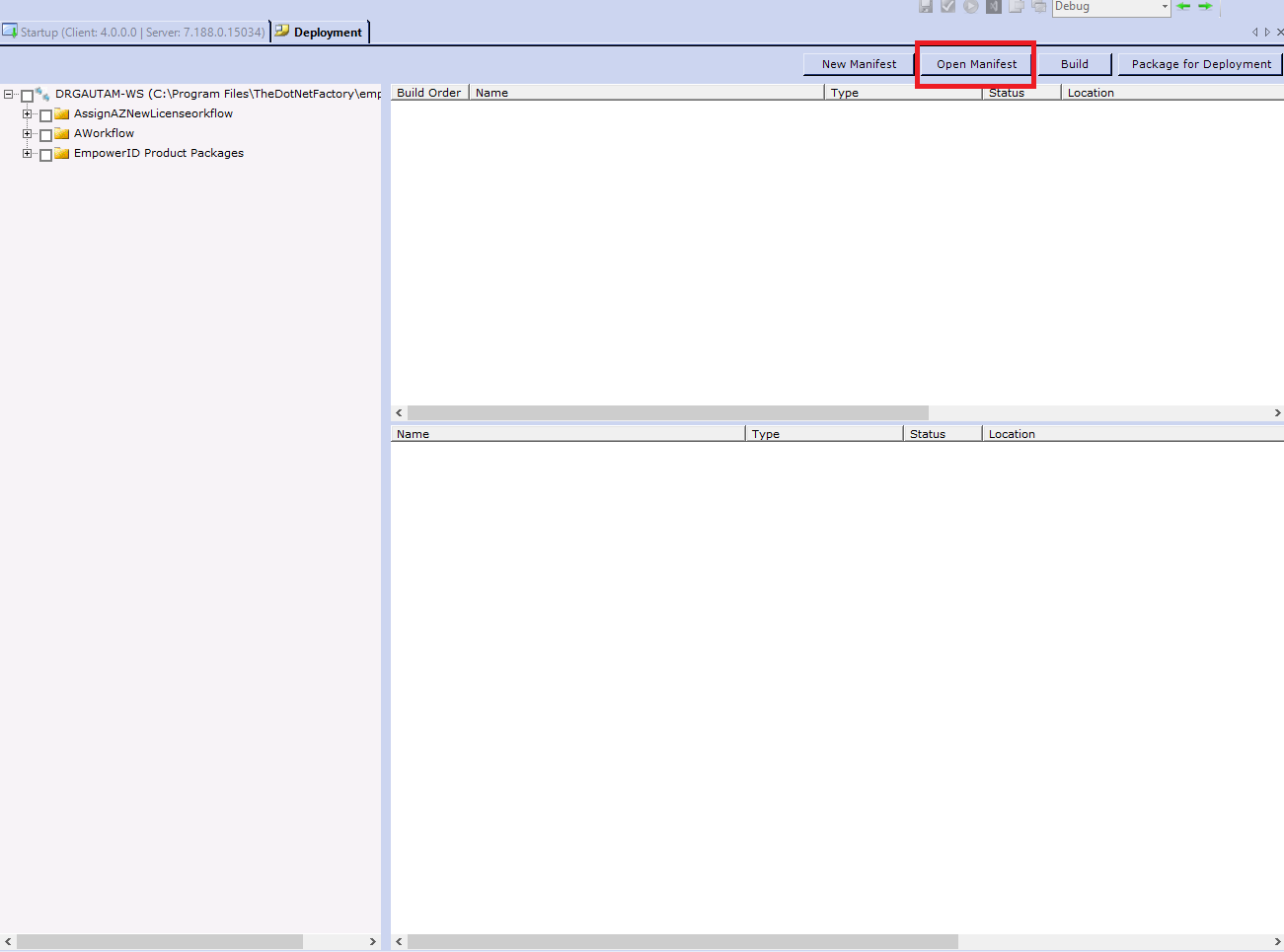
- Click the Open Manifest button located above the Build Order pane.
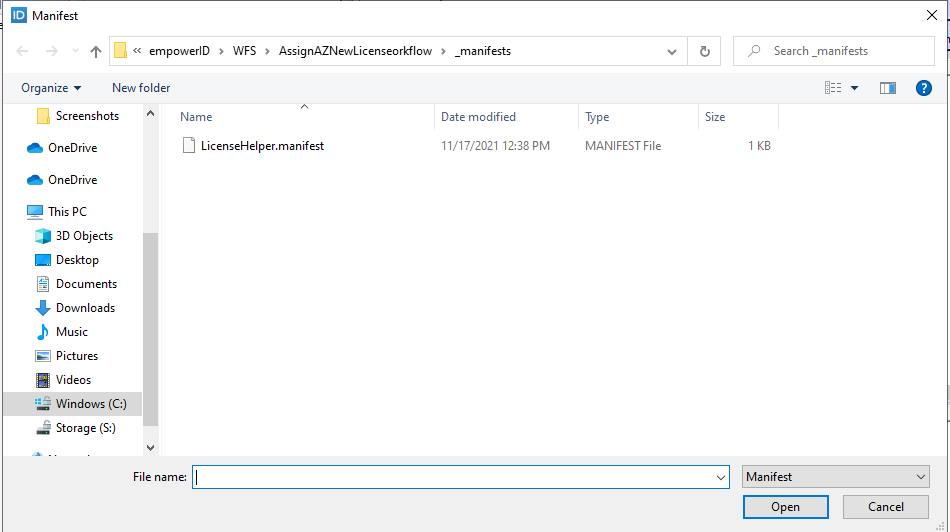
- Search for and select the manifest file you want to update.
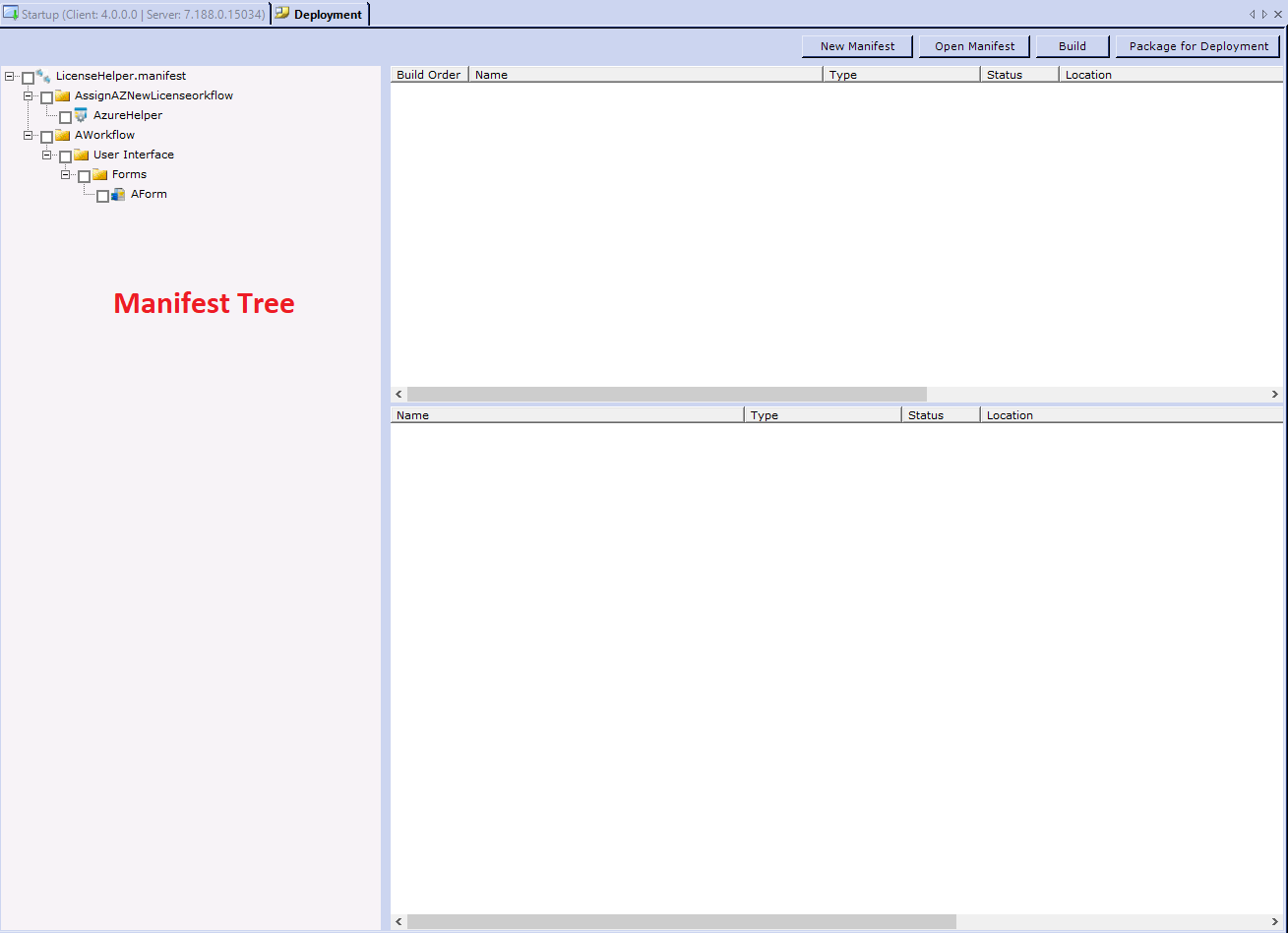
 You should see the manifest tree.
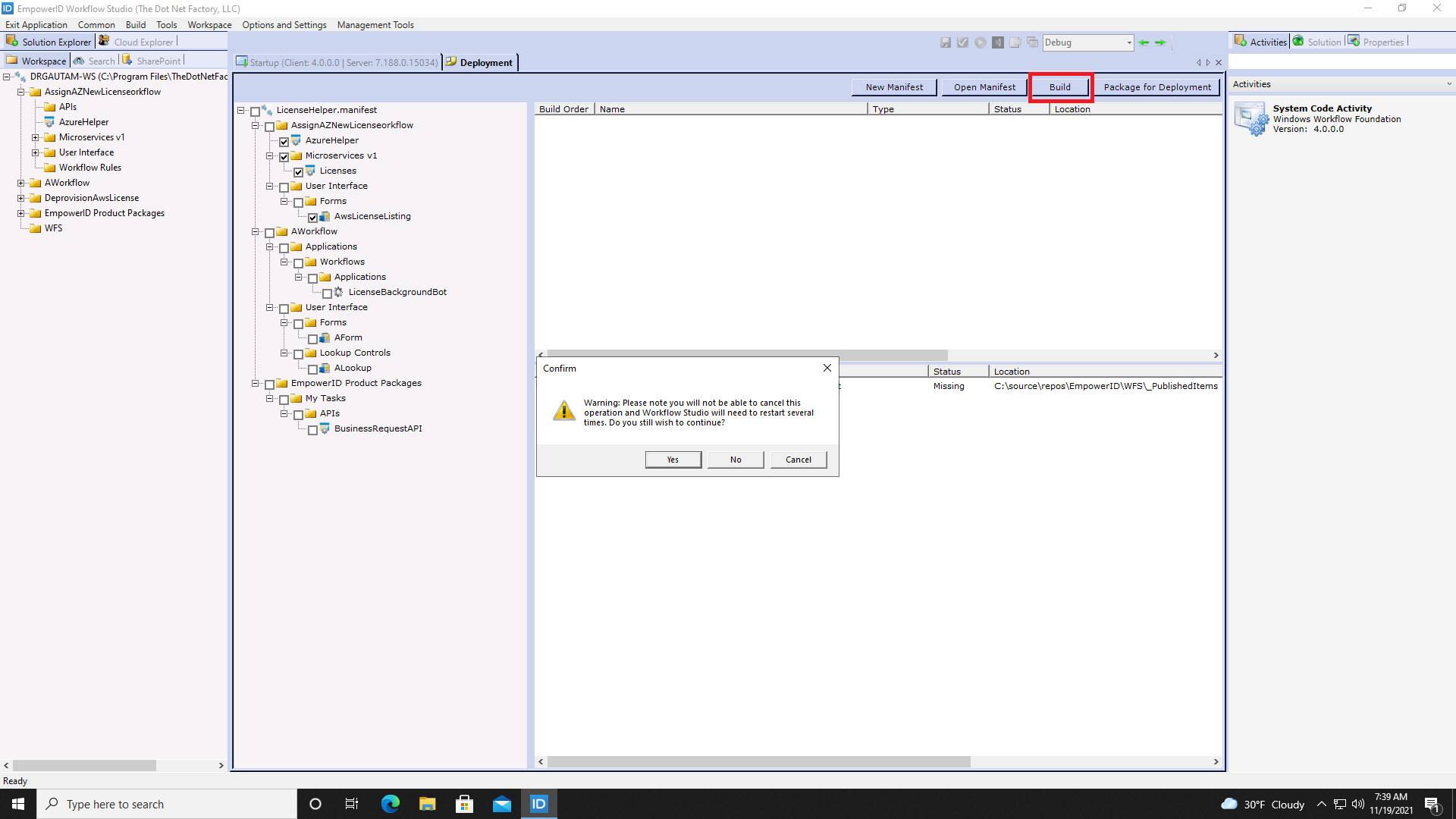
- Click the Build button and then click No when prompted about restarting Workflow Studio.
- In the lower Status pane, right-click on the runtime dependency you want to remove and select Remove Runtime Dependency.
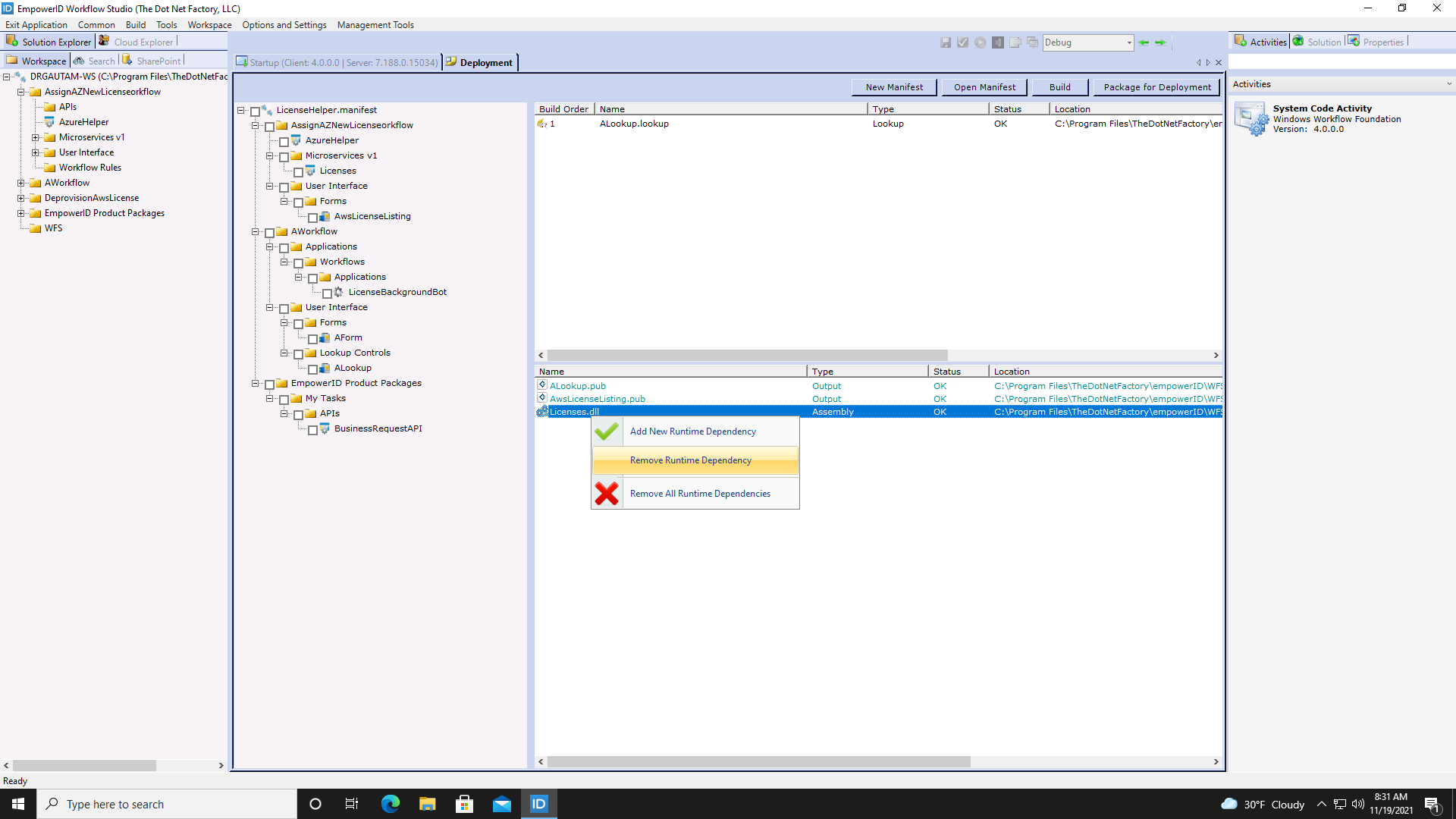
- Click Yes to confirm you want to remove the runtime dependency.

You should see the runtime dependency removed from the Status pane.